Set an Observable Type as Case-Insensitive#
Make an observable type case-insensitive to ensure that values are treated as identical regardless of letter casing.
When this option is enabled, new observables of this type are automatically normalized to lower case upon creation. Existing observables aren't affected.
Procedure
-
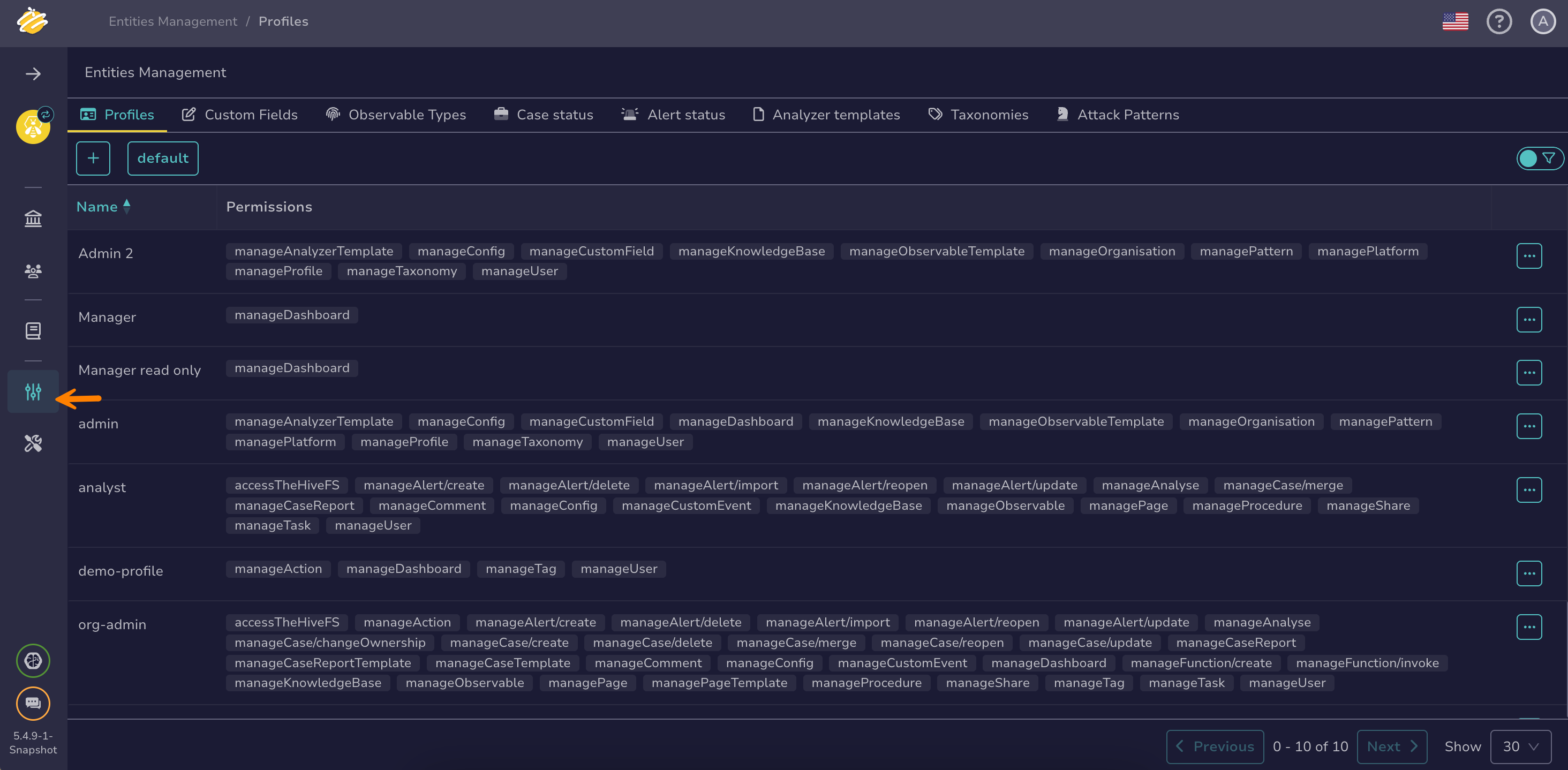
Go to the Entities management view from the sidebar menu.
-
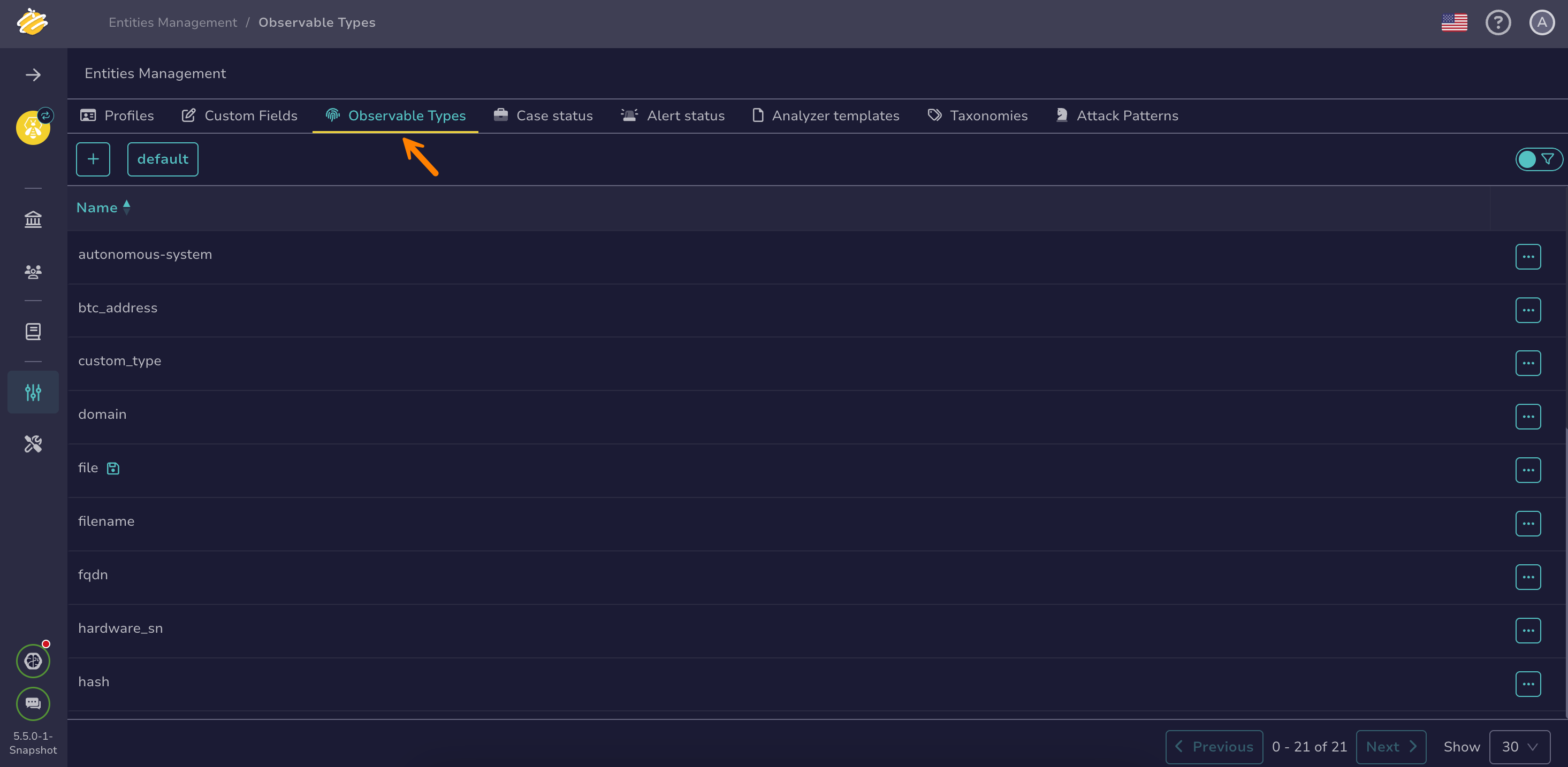
Select the Observable types tab.
-
Select next to the observable type you want to update.
-
Select Edit.
-
Turn on the Case-insensitive toggle.
-
Select Confirm observable type edition.