Change a Status Visibility#
Change a status visibility for cases and alerts in TheHive to hide predefined statuses, so users only use the custom statuses you've created.
This setting doesn't apply to the Imported status.
No impact on API
Changing the visibility of a status doesn't affect the API. All statuses remain available through the API.
Task statuses
This page doesn't cover task statuses, which are hard-coded in TheHive. They can't be modified, deleted, or extended.
Procedure
-
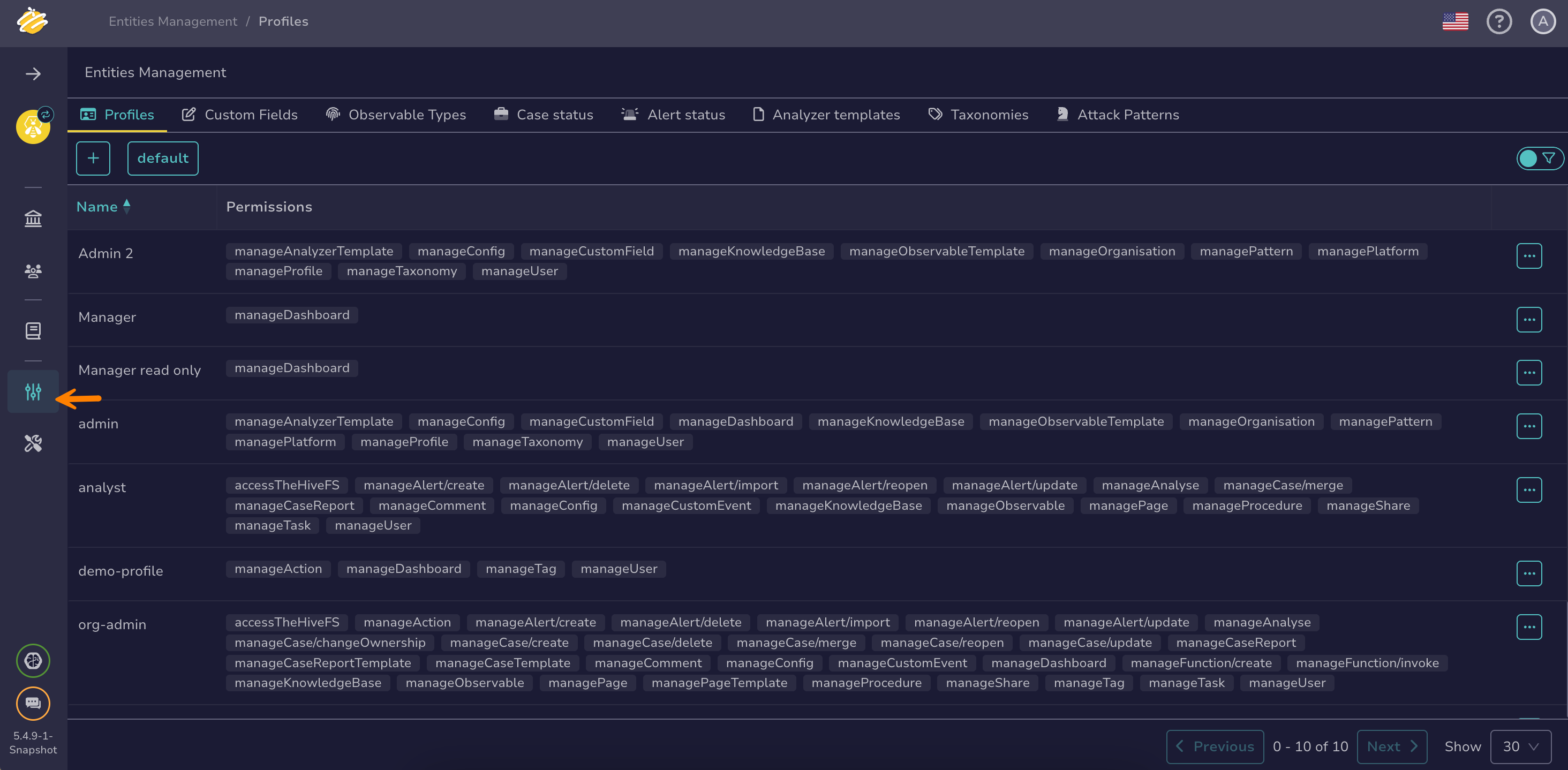
Go to the Entities management view from the sidebar menu.
-
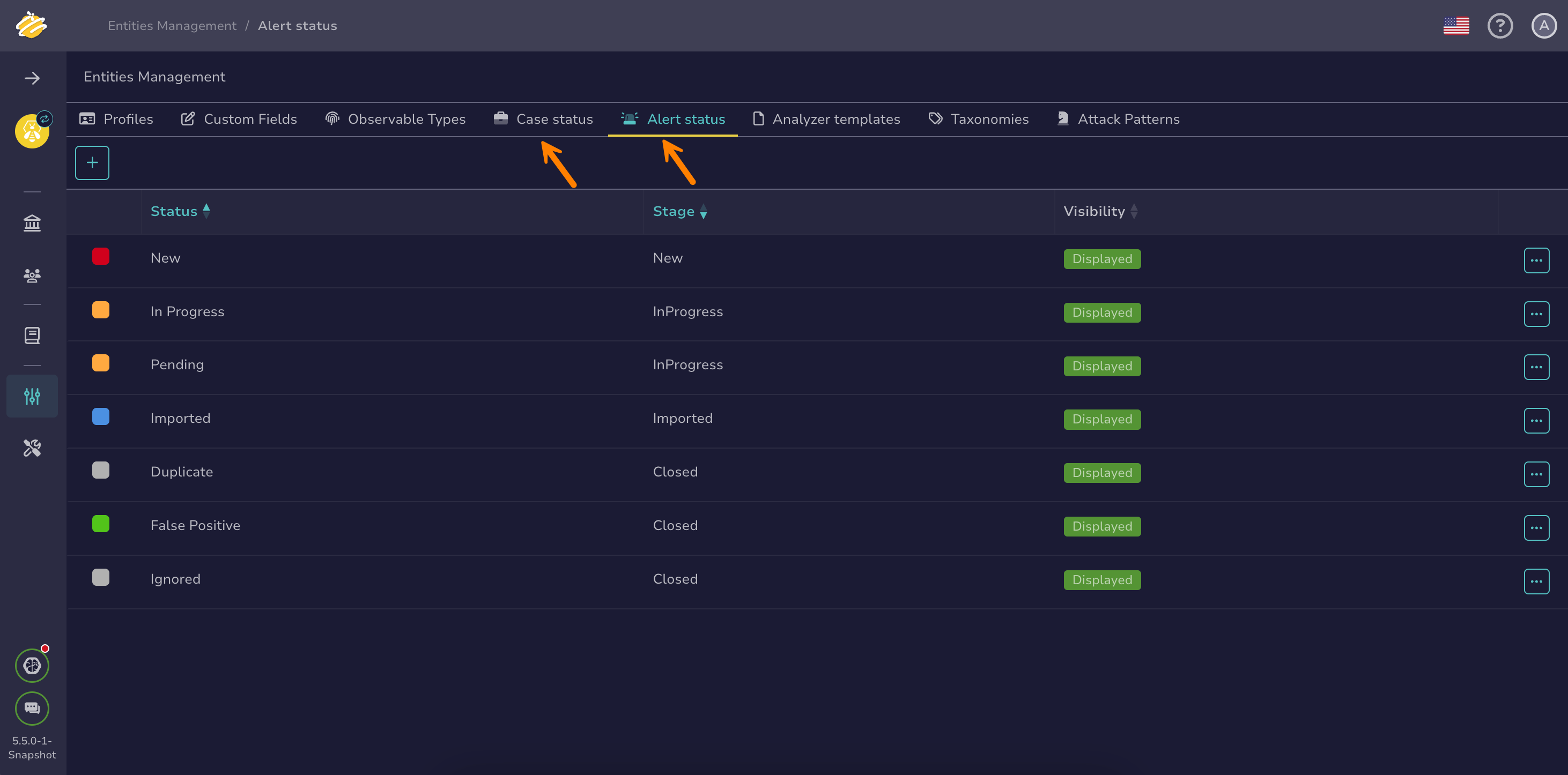
Select the Case status tab or the Alert status tab.
-
Select next to the status you want to edit.
-
Select Edit.
-
In the Add a custom status drawer, enter the new visibility you want to apply.
Specifies whether you want to display or hide a status in TheHive interface.
Hiding impact on existing cases and alerts
If you hide a status that's already applied to existing cases or alerts, it remains applied until manually changed, but it's no longer available for selection.
-
Select Confirm custom status update.