Modify the Default Organization for a User Account#
Set a new default organization for a user account in TheHive.
The default organization is the one the user is directed to when signing in to TheHive and the one used by default when accessing the API, either directly or through an alert feeder.
Procedure
-
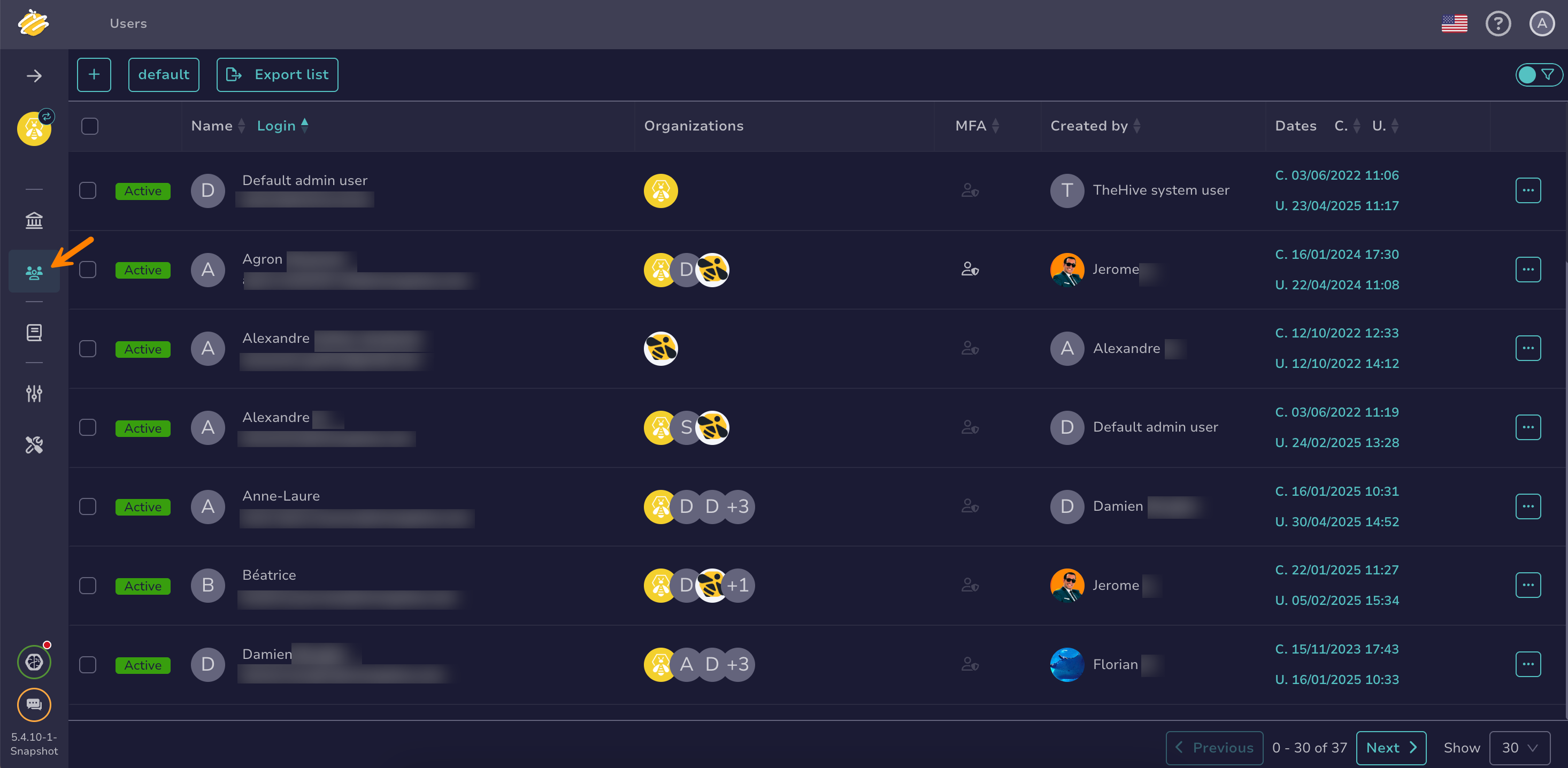
Go to the Users view from the sidebar menu.
-
Locate the user account you're looking for, hover over it, and select .
-
In the drawer, go to the Organizations section and hover over the organization you want to set as the default one.
-
Select Set as default.
-
Select Confirm.