Update MISP Taxonomies#
Update the Malware Information Sharing Platform (MISP) taxonomies included with your TheHive installation to get the latest versions.
Procedure
-
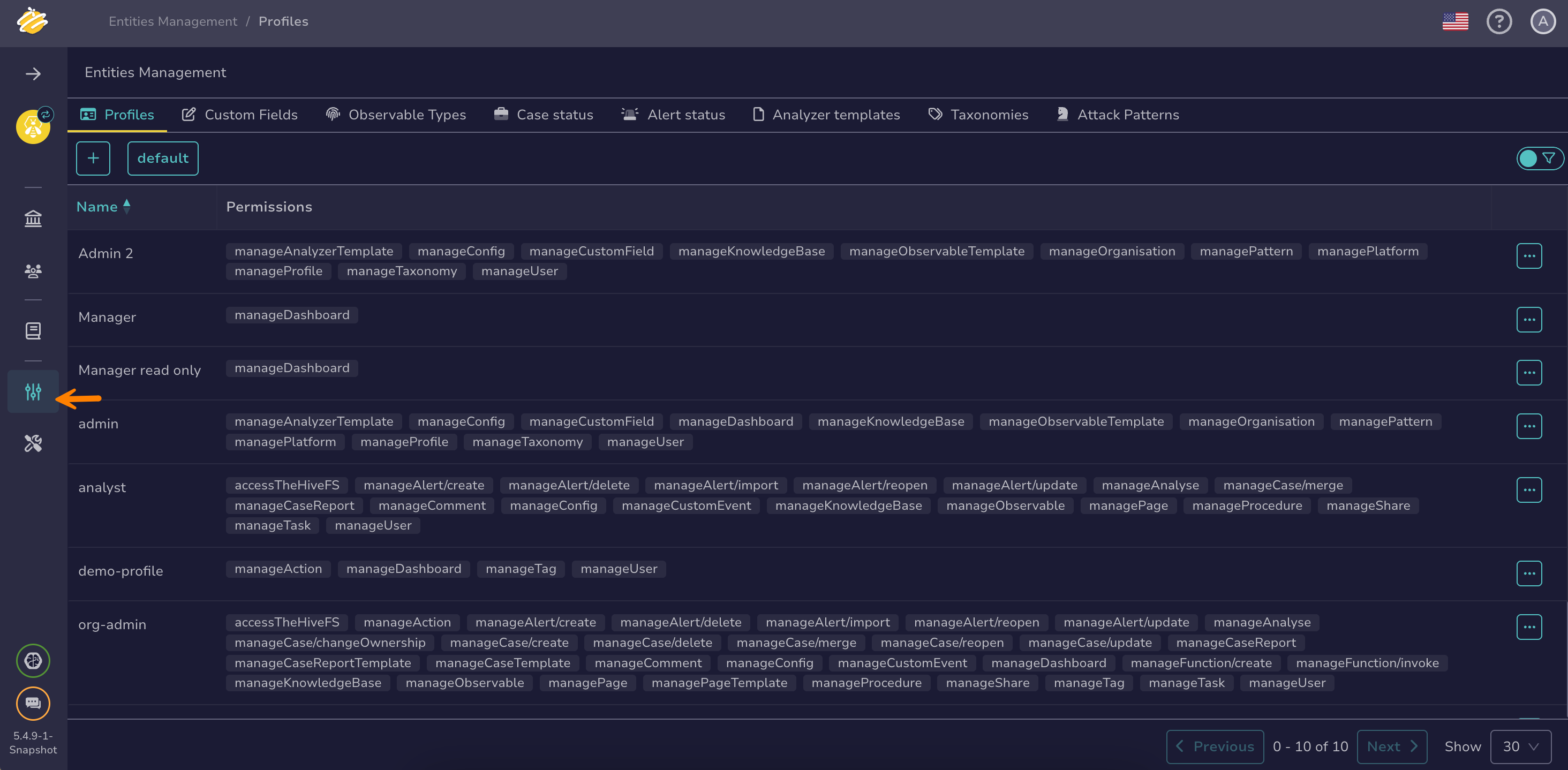
Go to the Entities management view from the sidebar menu.
-
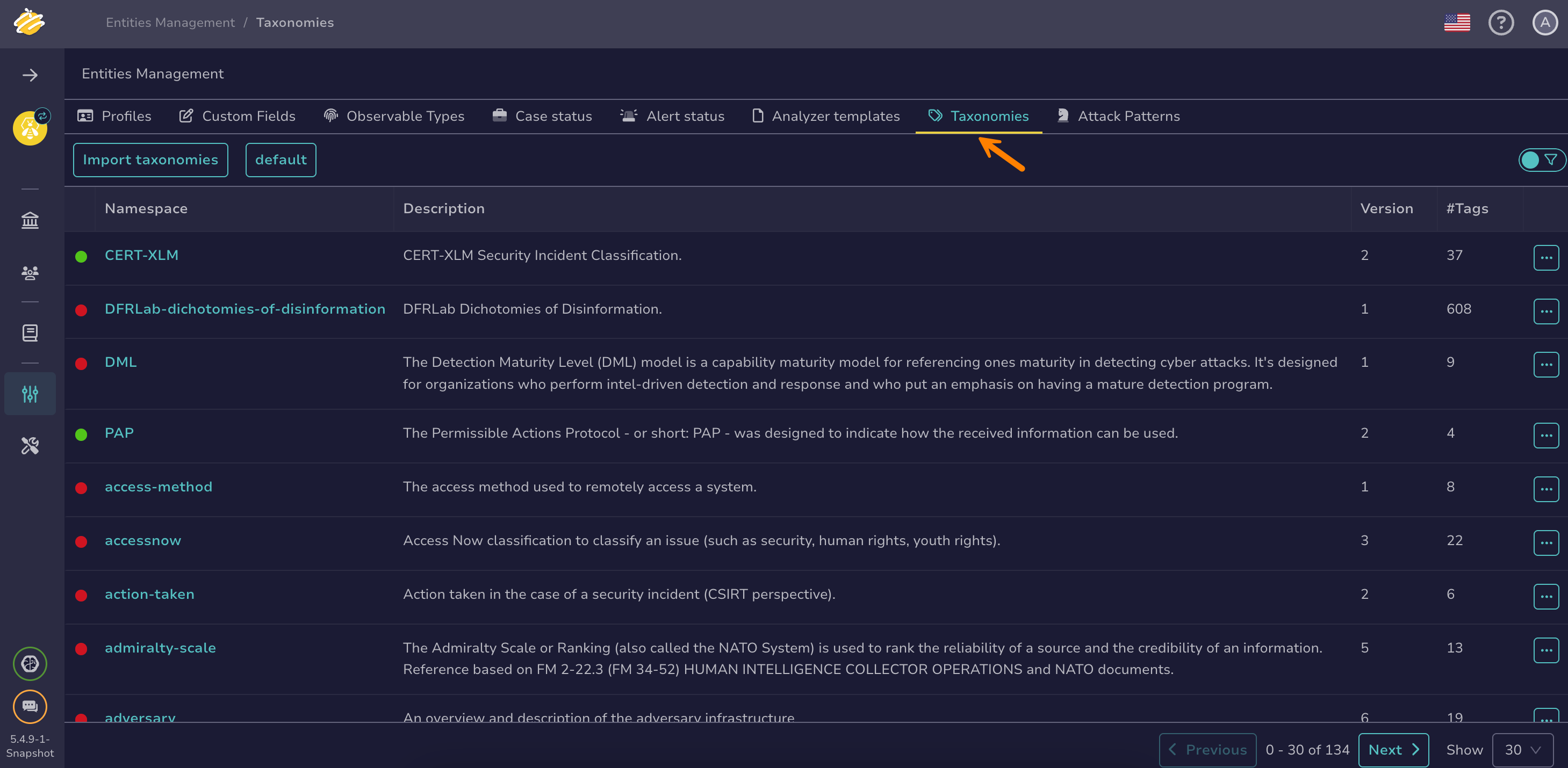
Select the Taxonomies tab.
-
Select Import taxonomies.
-
In the Import taxonomies archive drawer, download the latest archive of the official MISP taxonomies.
-
Drop the downloaded ZIP file into the Taxonomies archive section or select it from your computer.
-
Select Import.