Tutorial: Set Up TheHive Portal Access#
5.6 Platinum
We're going to set up access to TheHive Portal in TheHive, enabling controlled collaboration with stakeholders outside your Security Operations Center (SOC) team. By the end, you'll have configured the necessary permissions and created external user accounts.
Before you begin
Ensure you have configured an SMTP server before starting. External users need to receive invitation emails to access the portal.
Step 1: Verify external profiles#
After upgrading to TheHive 5.6, the platform automatically creates two external profiles. Let's verify they're available and understand their purposes.
-
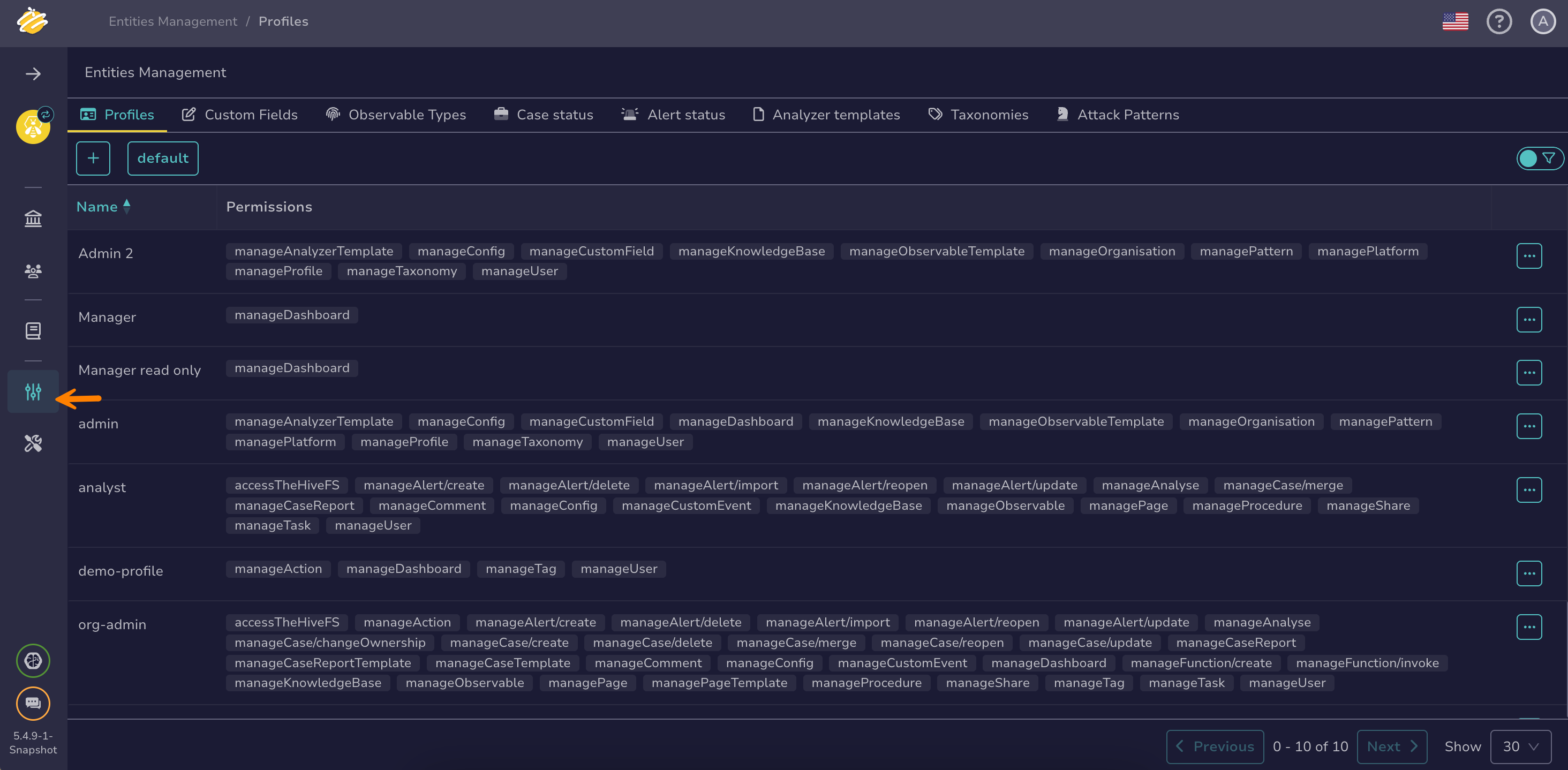
Go to the Entities management view from the sidebar menu.
-
Select the Profiles tab.
-
Locate the two new predefined profiles:
- External-Reader: Provides read-only access to shared cases
- External-Actor: Allows collaboration on the shared cases
Predefined profiles
You can't modify or delete these profiles.
-
Review the permissions assigned to each profile to understand what external users can do.
-
Optional: Create additional custom external profiles if your organization needs different permission combinations.
Step 2: Create external user accounts#
Now we'll create accounts for external stakeholders who need portal access.
Existing user accounts
You can't change user account types after creation. Converting a Normal user to an external user requires deleting the existing account and recreating it with the External type.
Not counted toward license
You can assign external profiles to as many user accounts as needed. They don't consume license seats.
Follow the instructions in Create a User Account, selecting External as the account type.
When you create an external user account, TheHive automatically sends an invitation email that expires after 24 hours. This email explains the portal's purpose, why they've been granted access, and includes a secure link to set up their account. To modify the expiration period, see Configure an SMTP Server.
Step 3: Add the external case sharing permission#
The default Org-Admin profile automatically receives the manageCaseAccess/external permission during the upgrade, allowing it to share cases with external stakeholders. For other profiles, you must add this permission manually.
Follow the instructions in Add or Remove Permissions from a Profile.
TheHive Portal access is now configured—your external stakeholders can receive invitations, set up their accounts, and begin collaborating on shared cases with your SOC team in a controlled environment.