Activate Your TheHive Portal Account#
The Security team has invited you to access specific security cases through TheHive Portal because your involvement or awareness is needed for incidents affecting your area of responsibility.
Procedure
-
Open your TheHive Portal invitation email and click the activation link.
Activation link expiration
The activation link expires after a limited time. If your link has expired, contact your administrator for a new invitation.
-
On the Reset your password page, enter your email address and select Send.
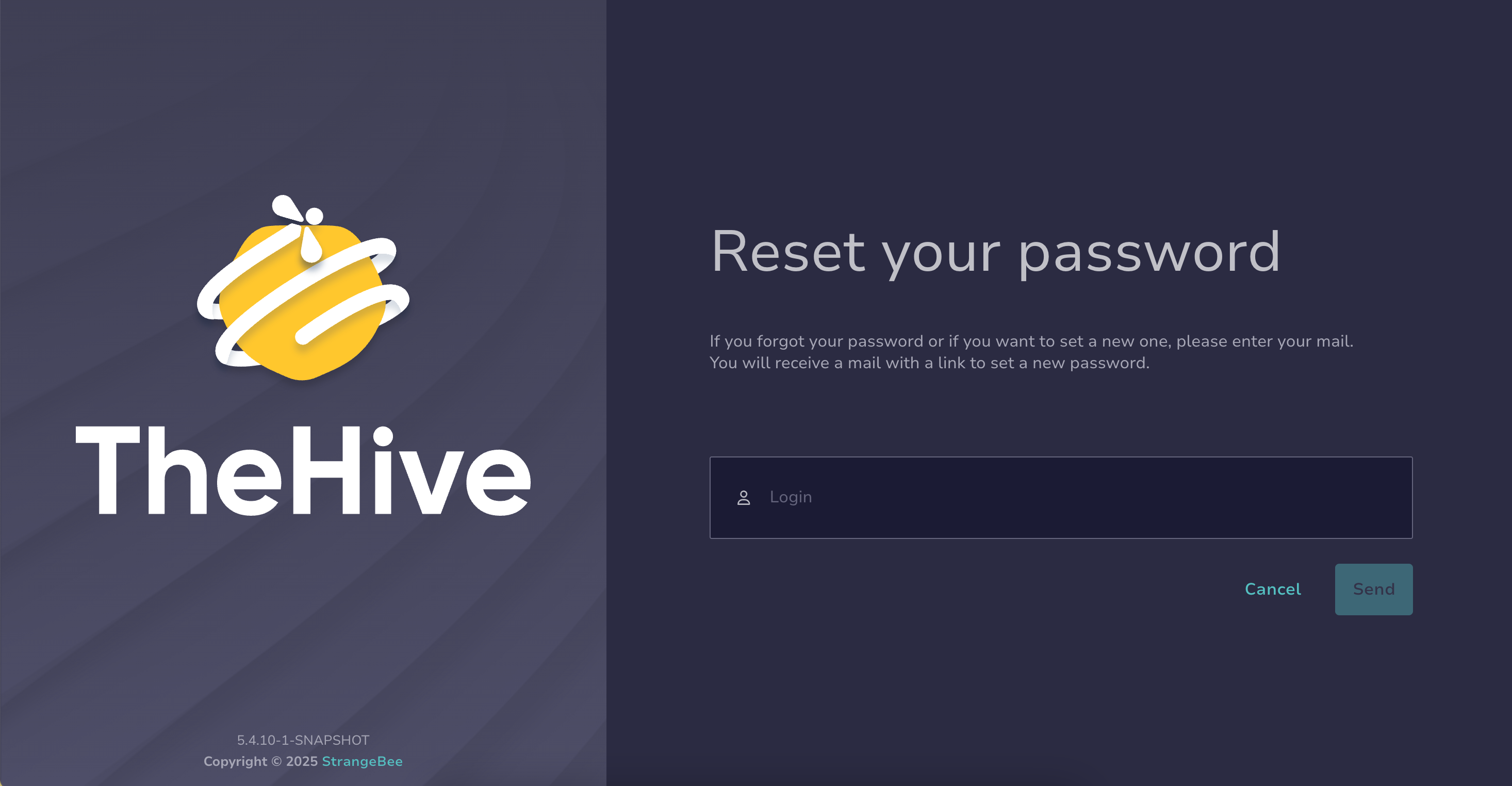
You will receive another email with a link to replace the system-generated default password with your own secure password. The link is valid for a limited time.
-
Open the email and click the link. On the Set a new password page, enter your new password, then select Set password.
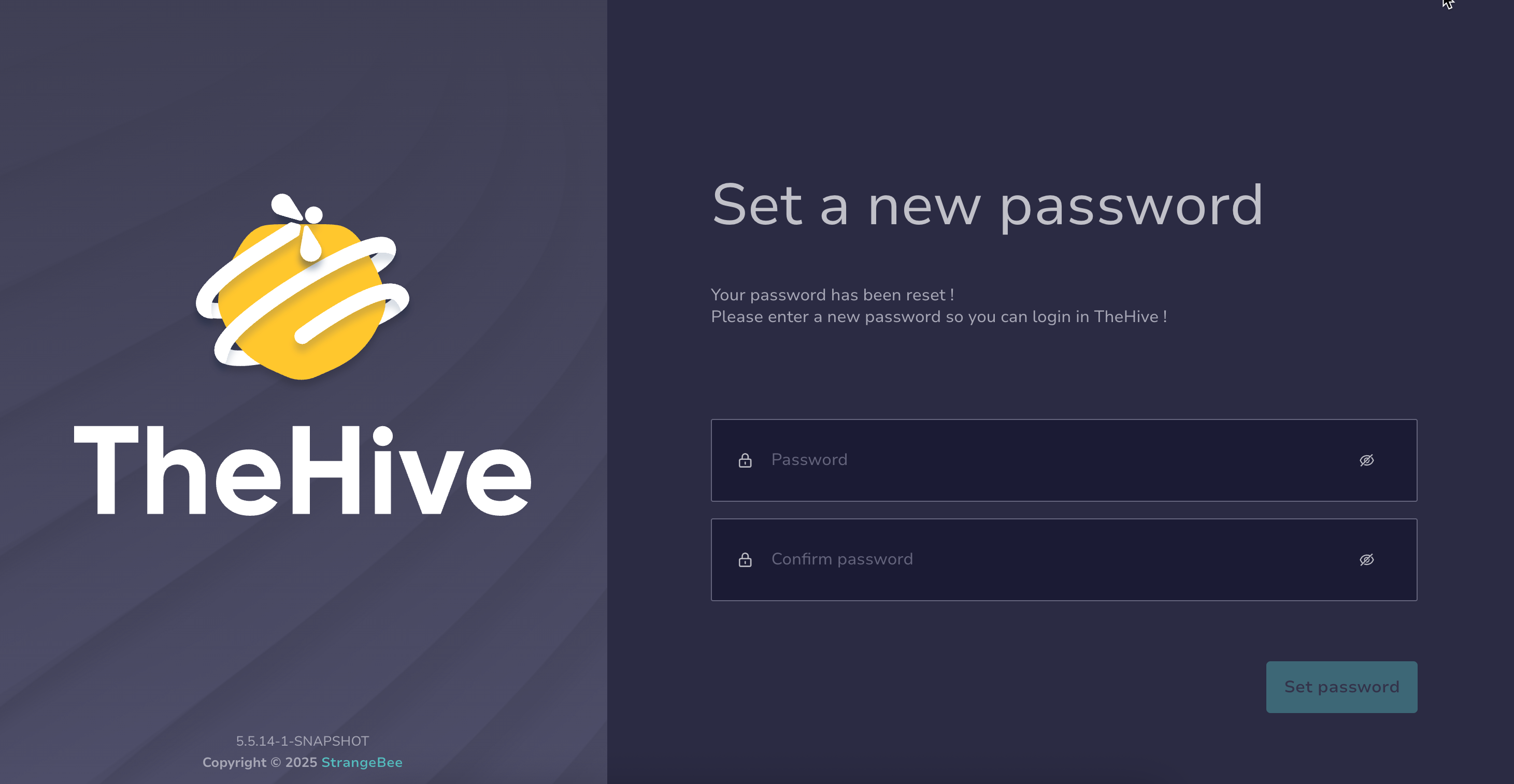
You will receive a confirmation email.
-
Log in with your email address and new password.
-
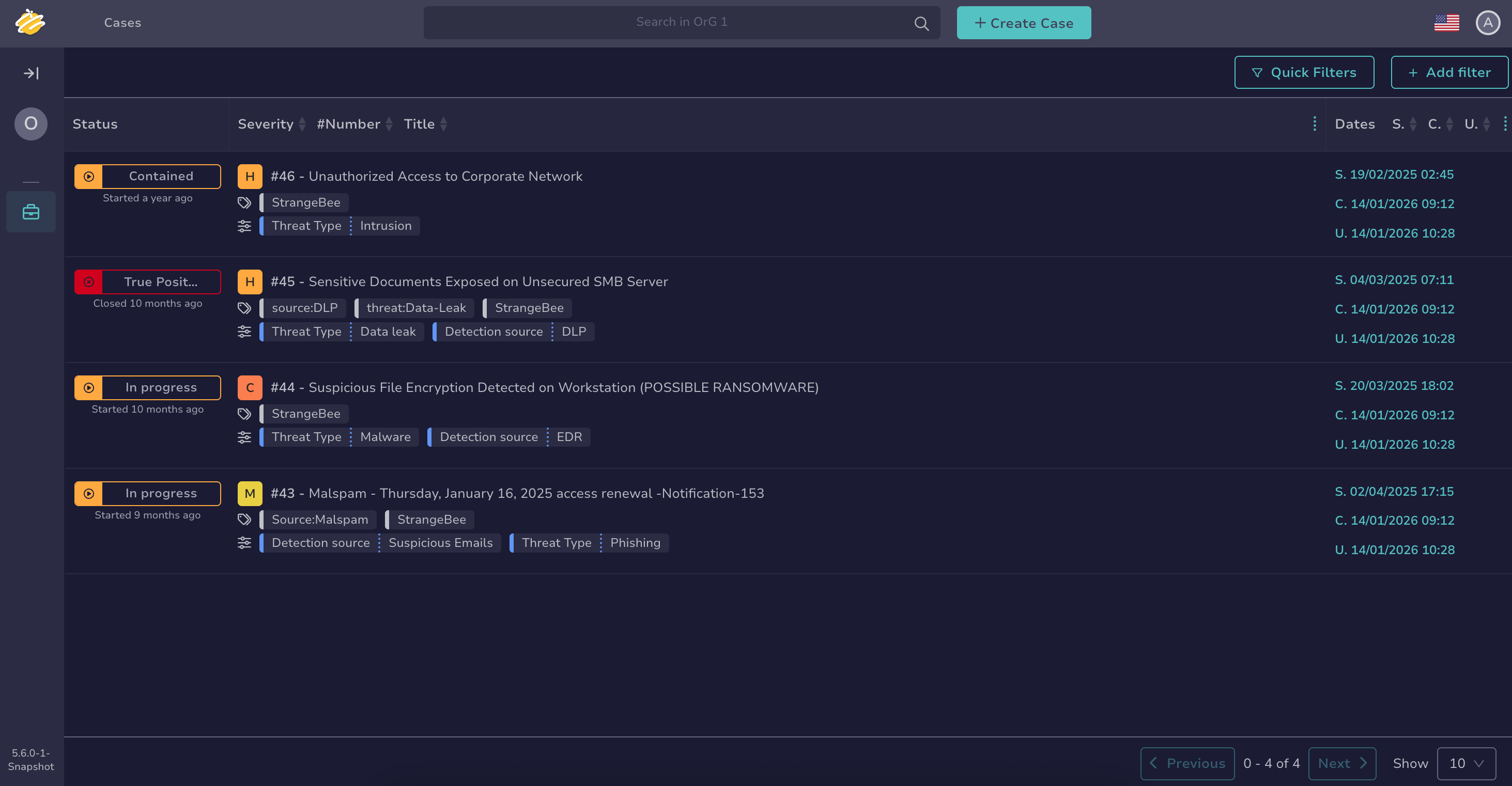
Review the Cases view to see any cases already shared with you.
-
Navigate through cases using the available tools:
- Review the case glossary to understand case terminology and elements
- Use filters and sorting or the search bar to narrow down your case list
- Use the search bar to find specific cases
-
Your available actions depend on your role and the reason you have access to TheHive Portal.
You may be able to: