Upload an Attachment to a Case from TheHive Portal#
Attachments allow you to share relevant documents, screenshots, email copies, or other files that provide context or evidence for the security investigation. Remove sensitive information before uploading.
If you need to share specific indicators such as suspicious email addresses, URLs, or phone numbers, see Add an Observable to a Case from TheHive Portal.
Permanent action
Once added to a case, you can't edit or delete attachments through TheHive Portal.
Procedure
-
Find and open the case where you want to add an attachment.
Applying filters
You can apply filters to quickly find what you need.
-
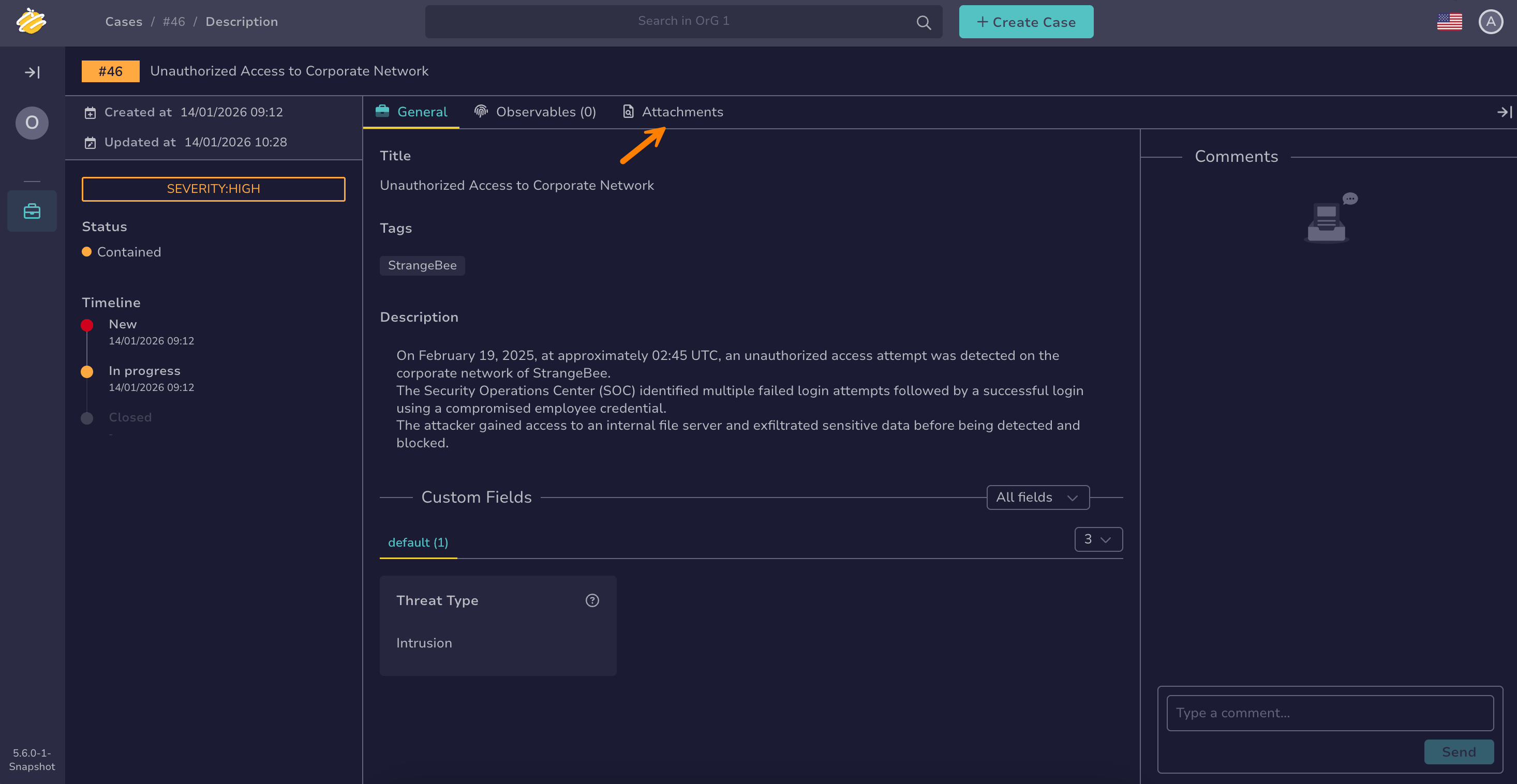
In the case, select the Attachments tab.
-
Select .
-
In the Add attachment drawer, drop a file or select it from your computer.
Sensitive information
Ensure the file contains no unintended sensitive information, as it will be visible to all users with access to this case.
-
Select Confirm.
Your attachment is visible to all users with access to the case.