Post a Comment to a Case from TheHive Portal#
Comments allow you to communicate with the Security team about the incident, ask questions, and provide requested information.
Procedure
-
Find and open the case where you want to add a comment.
Applying filters
You can apply filters to quickly find what you need.
-
In the case, select .
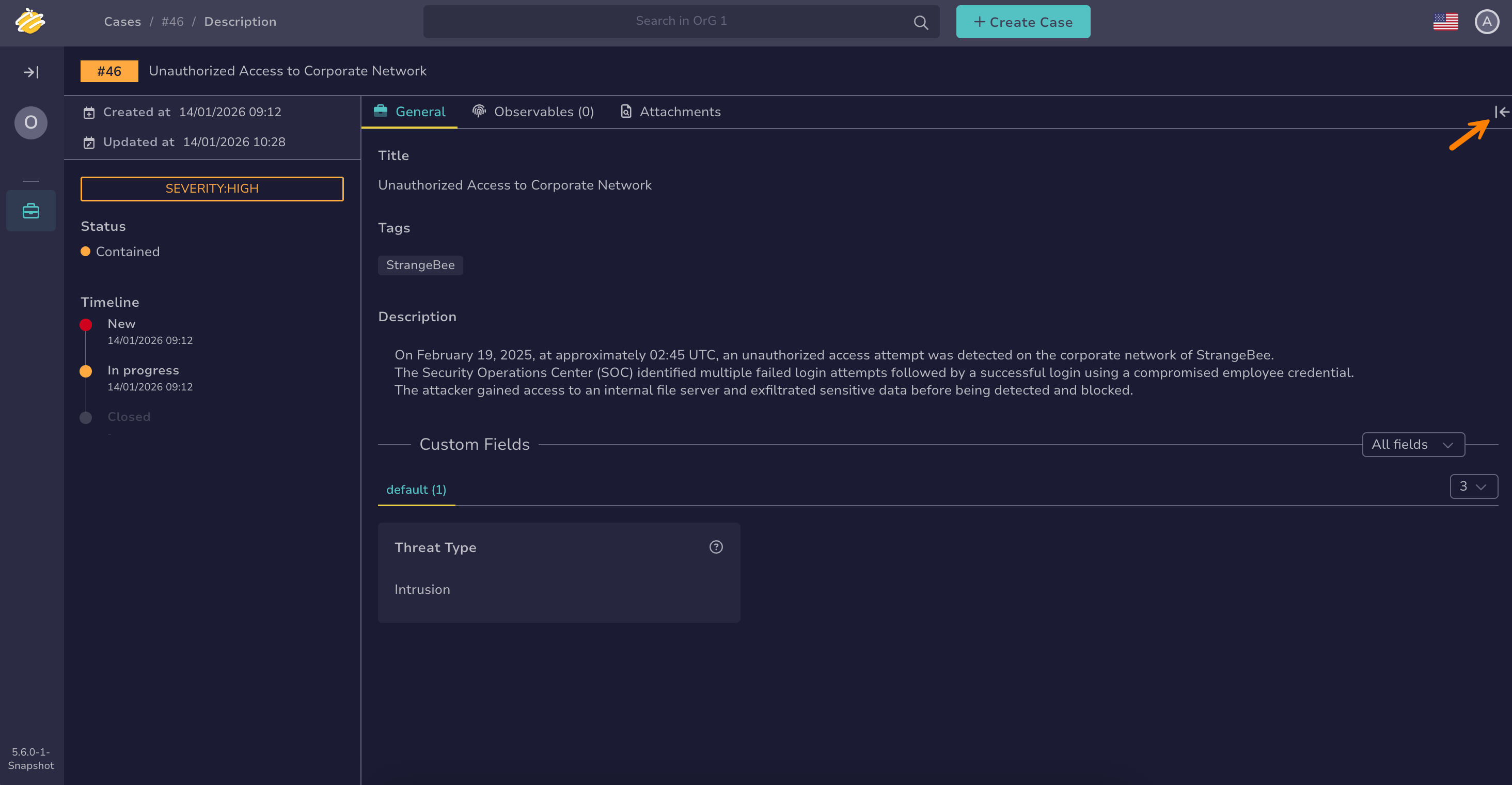
-
Enter your comment in the text field.
-
Select Send to post your comment.
Your comment is visible to all users with access to the case.