Add an Observable to a Case from TheHive Portal#
Observables are specific pieces of evidence related to the security incident, such as suspicious email addresses, file names, or website links that help the Security team investigate the case.
If you need to share whole document or files, see Upload an Attachment to a Case from TheHive Portal.
Permanent action
Once added to a case, you can't edit or delete observables through TheHive Portal.
Procedure
-
Find and open the case where you want to add an observable.
Applying filters
You can apply filters to quickly find what you need.
-
In the case, select the Observables tab.
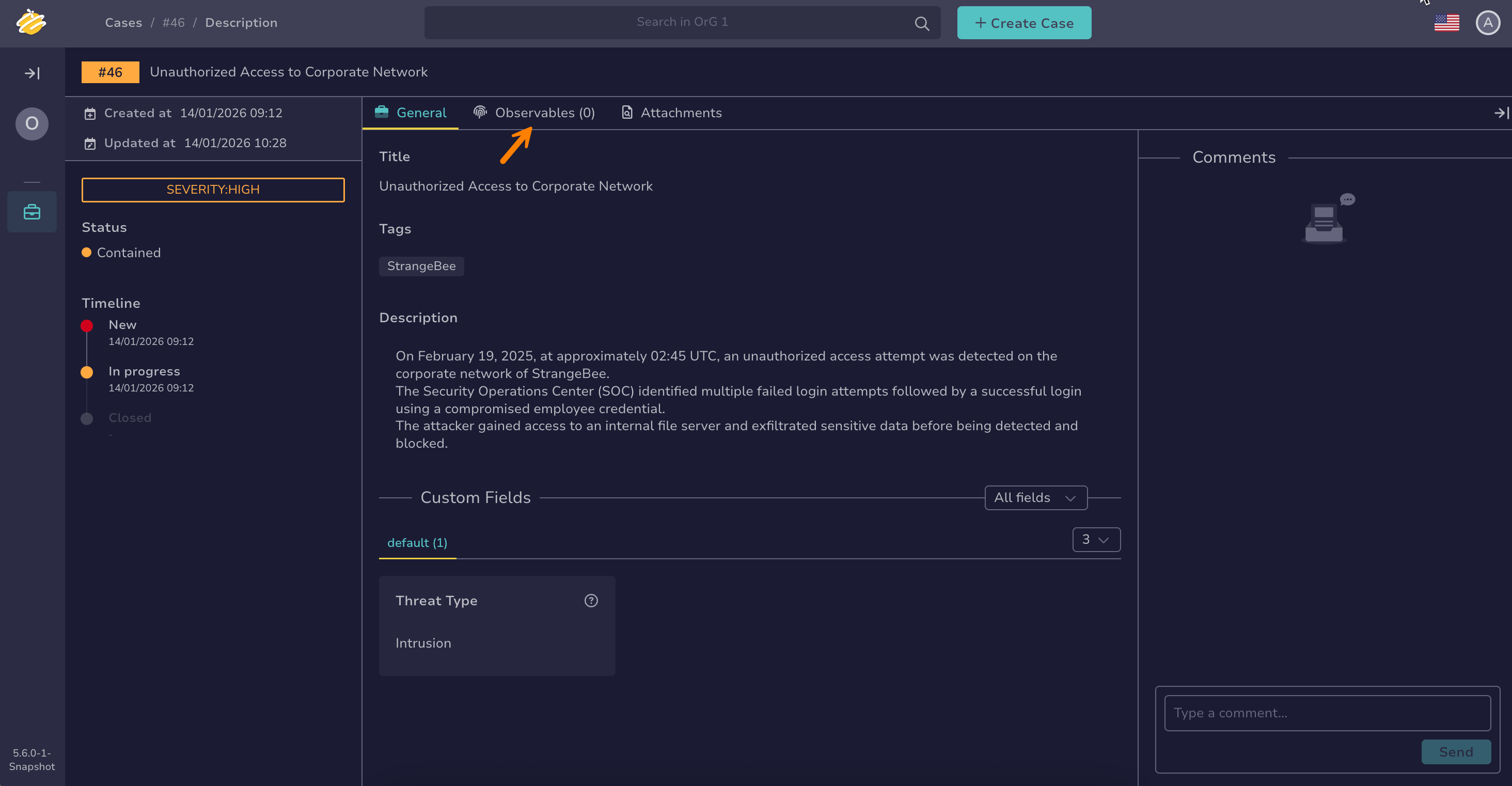
-
Select .
-
In the Add an observable drawer, enter the following information:
- Type *
Select the category that best describes what you're reporting.
- Value *
Enter the specific suspicious information. For example, an email address, a URL, or a phone number.
To add multiple items at once, place each one on a new line and turn on the One observable per line toggle.
-
Select Add to add your observable.
Your observable is visible to all users with access to the case.