Create a Case in TheHive Portal#
Create a new case to report a security incident or suspicious activity to the Security team. Cases help document and track investigations from initial detection through resolution.
Review before submission
Once you create a case, you can't edit or delete it through TheHive Portal. Ensure all details are accurate before submitting. You can, however, add comments, attachments, and observables as the investigation progresses.
Procedure
-
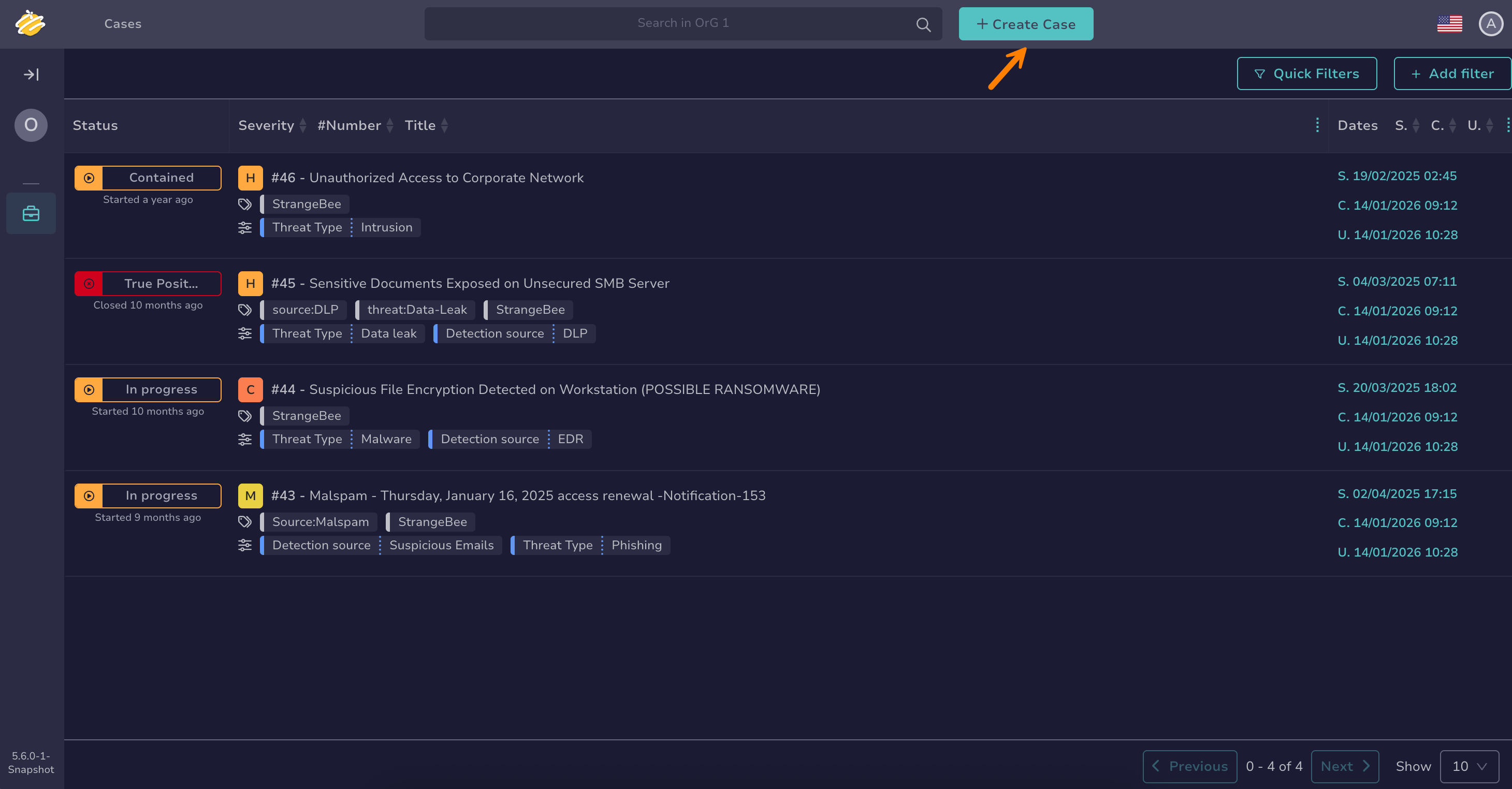
Select + Create Case.
-
In the Create Case drawer, enter the following information:
- Title *
Provide a brief and clear description of the incident. For example: Suspicious email from unknown sender.
- Description *
Explain the situation in detail:
- What happened or what you observed
- When it occurred (date and time)
- Who is affected (individuals, departments, or systems)
- Any actions you've already taken
- Why you believe this needs Security team attention
- Observables
Upload suspicious files related to the security threat. These are added as evidence for Security team analysis and protected within the secure case environment, even if they contain sensitive information. To add non-file observables like IPs or URLs, see Add an Observable to a Case from TheHive Portal after creating the case.
-
Select Confirm to submit the case.
-
Check your email for confirmation.
The Security team will review your case.