Find a Case in TheHive Portal#
Search for cases in the TheHive Portal to find security incidents shared with you or that you've created.
Method 1: Search bar#
-
In the search bar at the top of the page, enter the case number or any relevant text.
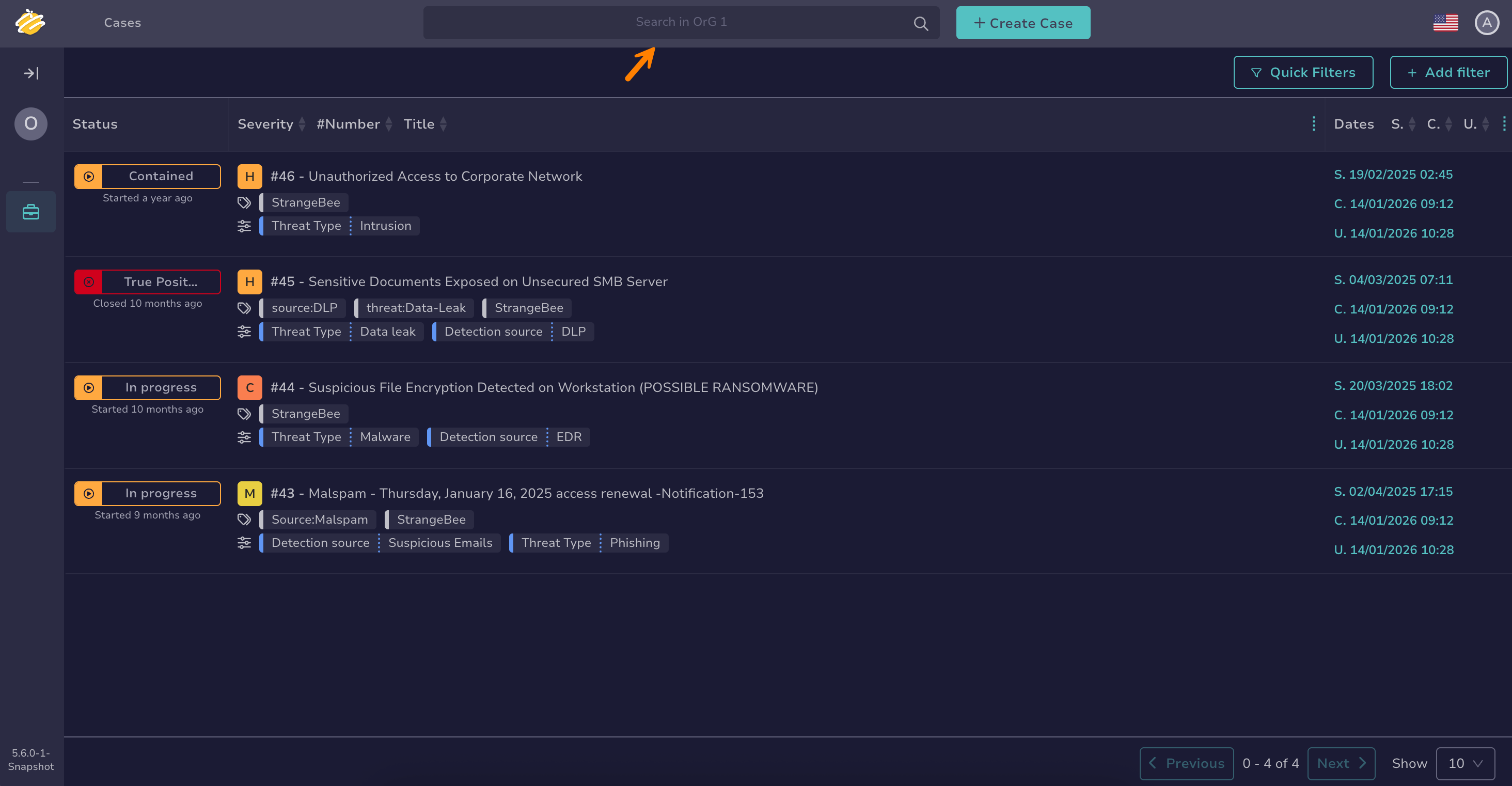
Wildcard character
You can use the wildcard character * to broaden your searches.
The wildcard character acts as a placeholder that matches zero or more characters, helping you find variations of a term or incomplete information.
Examples of use cases:
- Email domains: Entering *@gmail.com returns entities containing the gmail.com domain.
- IP subnets: Entering 192.168.*.* returns entities with IP addresses in the 192.168.x.x subnet.
- URLs: Entering https://malwaredomain.com/* returns entities hosted under the malwaredomain.com directory.
Other advanced search options, such as Boolean and phrase searches, aren't currently supported.
-
Select a result from the list.
Method 2: Filters in the Cases view#
-
Apply filters using any of these options individually or in combination:
-
Select Quick filters to access predefined filters.

-
Select Add filter and choose one or more filters.

-
Select a value from a field to use it as a filter criterion.
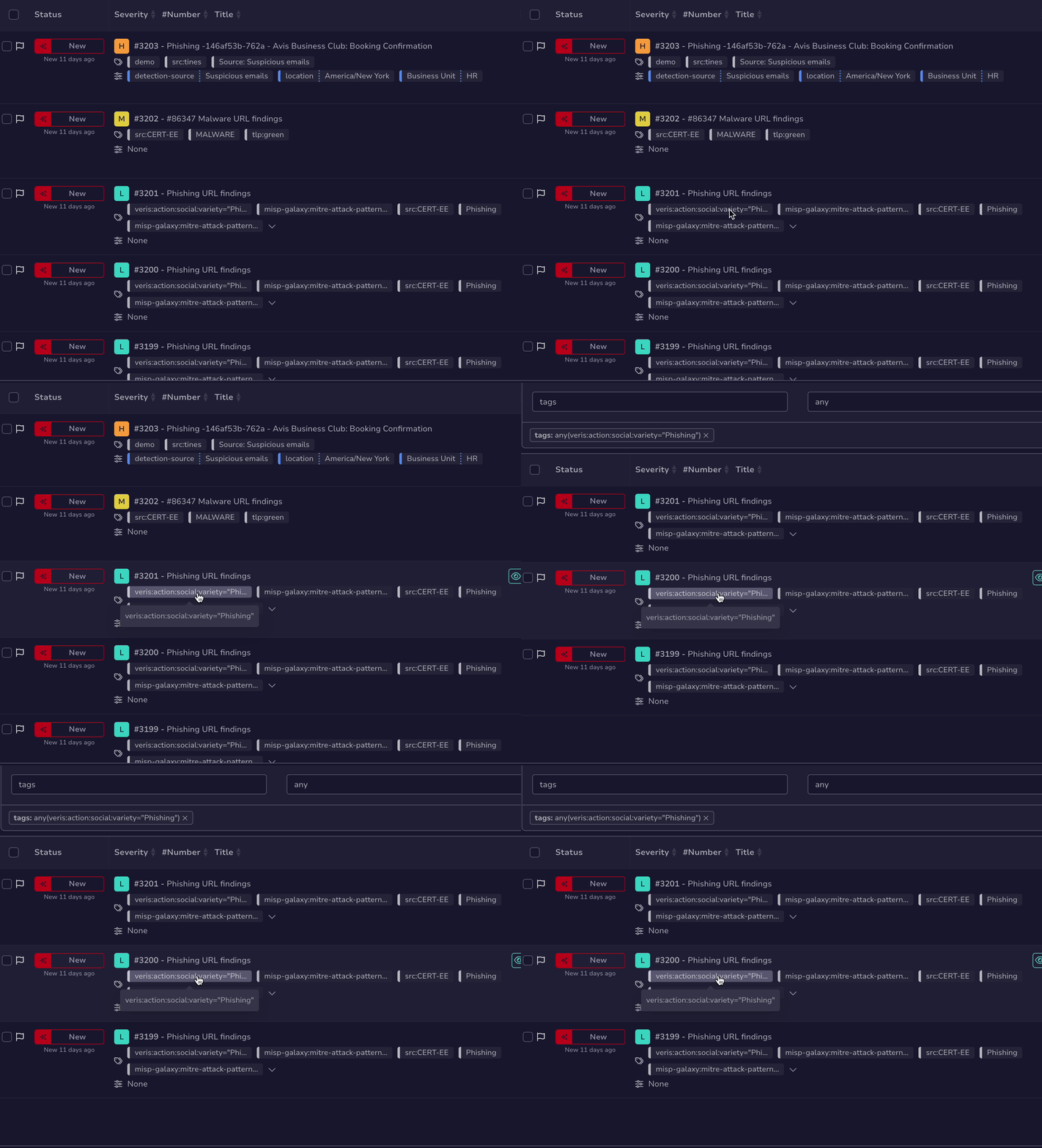
-
-
Based on your inputs, a list of results appears.
You can view up to 300 results per page and navigate through them using Previous and Next.