Manage Your Account Settings in TheHive Portal#
Customize your TheHive Portal account by updating your profile information.
Edit your avatar#
-
From any view, select the user symbol.
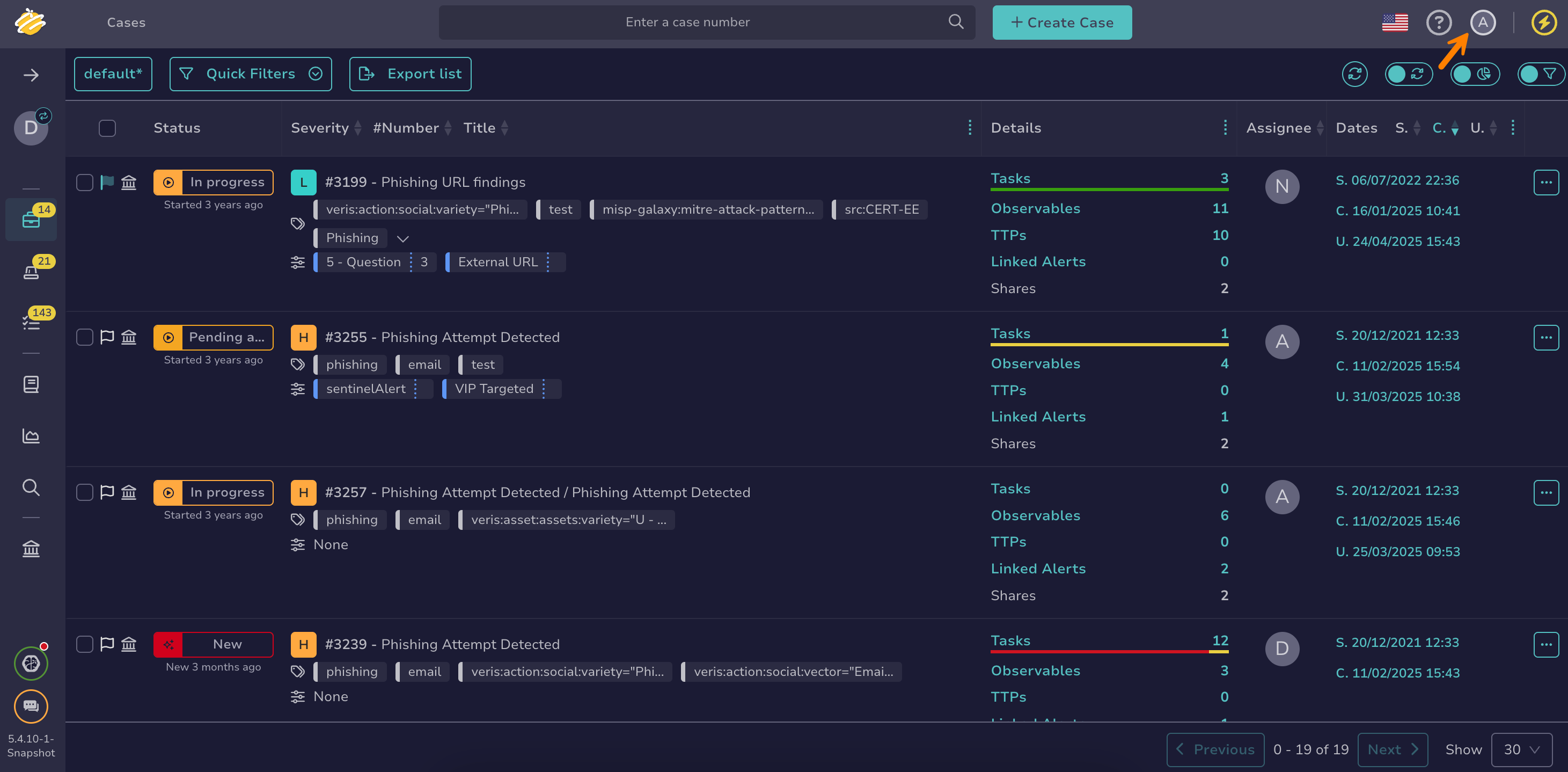
-
Select Settings.
-
In the Infos tab, select the avatar, then select a new image in PNG or JPG format. The file must be smaller than 500 KB.
-
Select Confirm.
Edit your name#
-
From any view, select the user symbol.
-
Select Settings.
-
In the Infos tab, edit your name.
-
Select Confirm.
Edit your email address#
-
From any view, select the user symbol.
-
Select Settings.
-
In the Infos tab, edit your email address. The email address is used to send you notifications and password-related information.
-
Select Confirm.