Update a Case Comment in TheHive Portal#
Edit your own case comments after posting them through TheHive Portal to correct information or add additional details.
Procedure
-
Find and open the case containing the comment you want to update.
Applying filters
You can apply filters to quickly find what you need.
-
In the case, select .
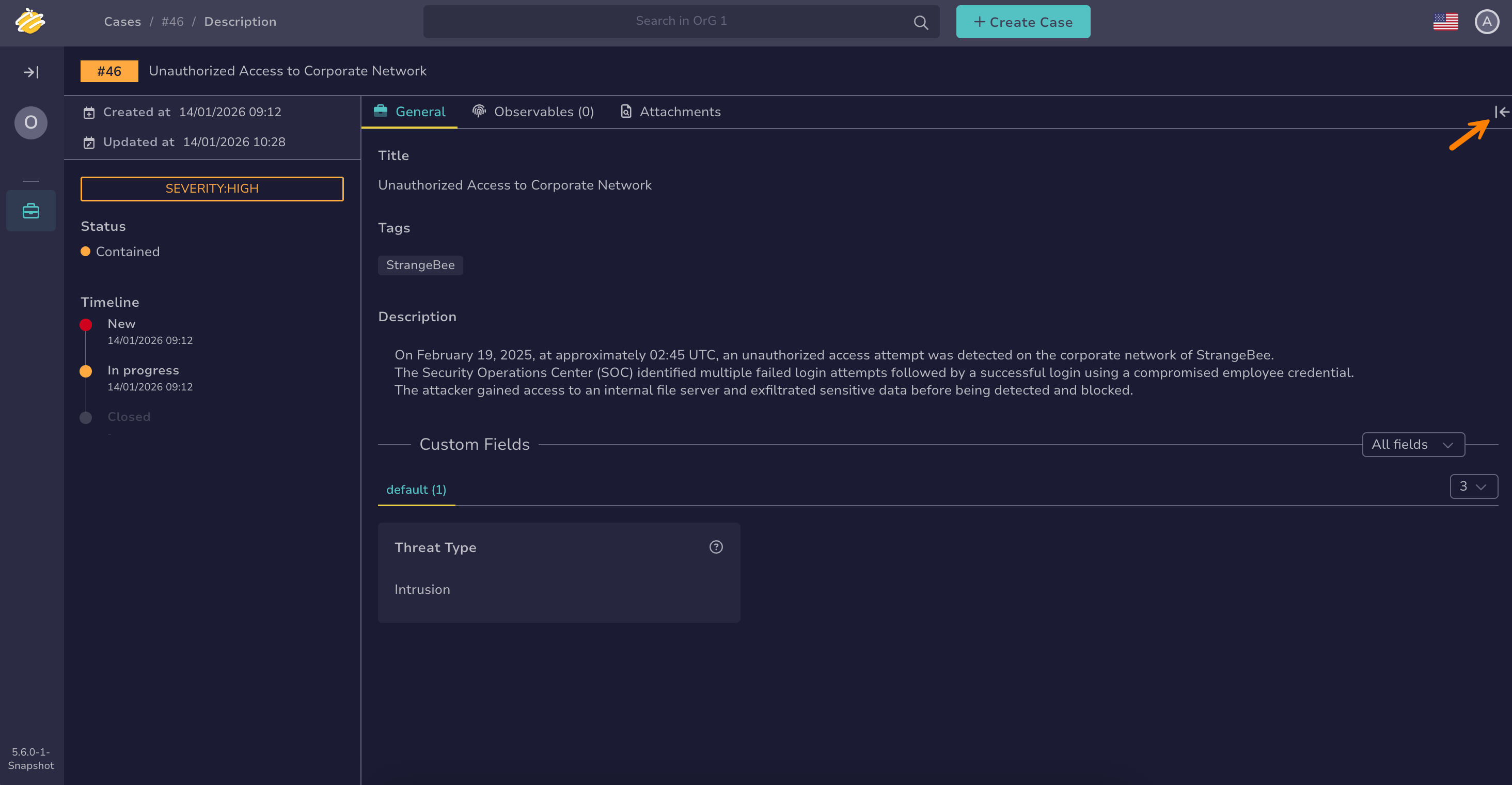
-
Select next to your comment.
-
Select Edit.
-
Make your changes to the comment.
-
Select Comment to save your updated comment.