Remove External User Access to a Case Attachment#
5.6 Platinum
Remove external visibility from case attachments to prevent external users from accessing files through TheHive Portal. Attachments marked as internal are only visible to users who have access to the case through the main TheHive interface.
Procedure
-
Locate the case containing the attachment.
-
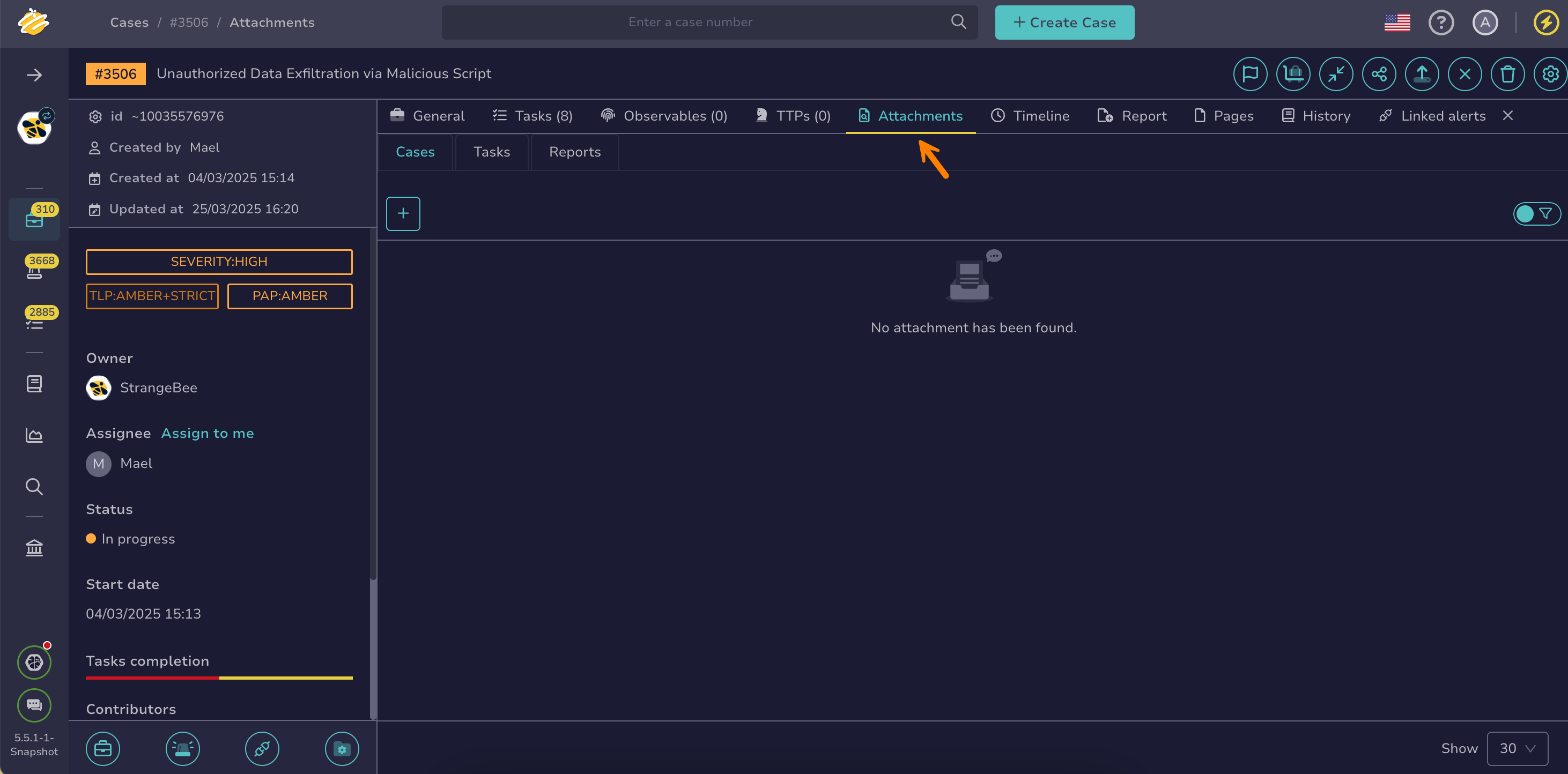
In the case, select the Attachments tab.
-
Select next to the attachment.
Applying filters
You can apply filters to quickly find what you need.
-
Select Internal.