Restrict Case Visibility#
5.5 Platinum
Restrict the visibility of a case in TheHive to limit access to specific authorized users for sensitive investigations.
Limitation
Cases shared with external users can't have their visibility restricted.
Procedure
-
Find the case you want to restrict.
-
In the case, select the Restrict access button.
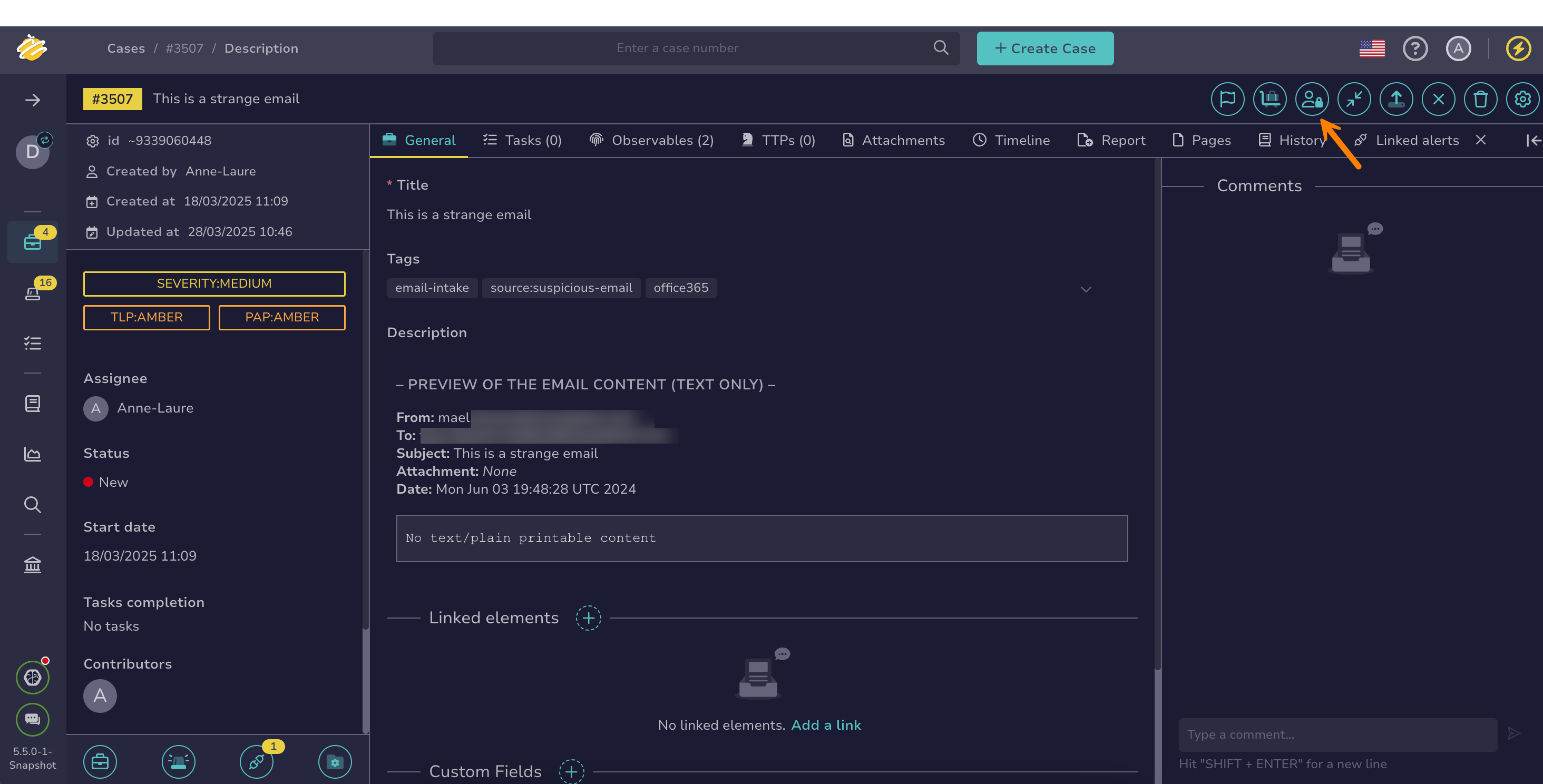
-
In the Case access management drawer, select Restricted.
-
Select the authorized users.
Mandatory authorized users
The case assignee and the user performing the action always have access and can't be removed.
-
Select Confirm.
Hang tight
It may take a few seconds to apply restricted visibility to all elements linked to the case, such as observables and tasks.