Adjust Dashboard Refresh Frequency#
Adjust dashboard refresh frequency in TheHive to control how often dashboard data updates automatically.
If you need to pause dashboard refresh and prevent users from re-enabling it due to performance issues, see Pause Dashboard Refresh.
Procedure
-
Go to the Dashboards view from the sidebar menu.
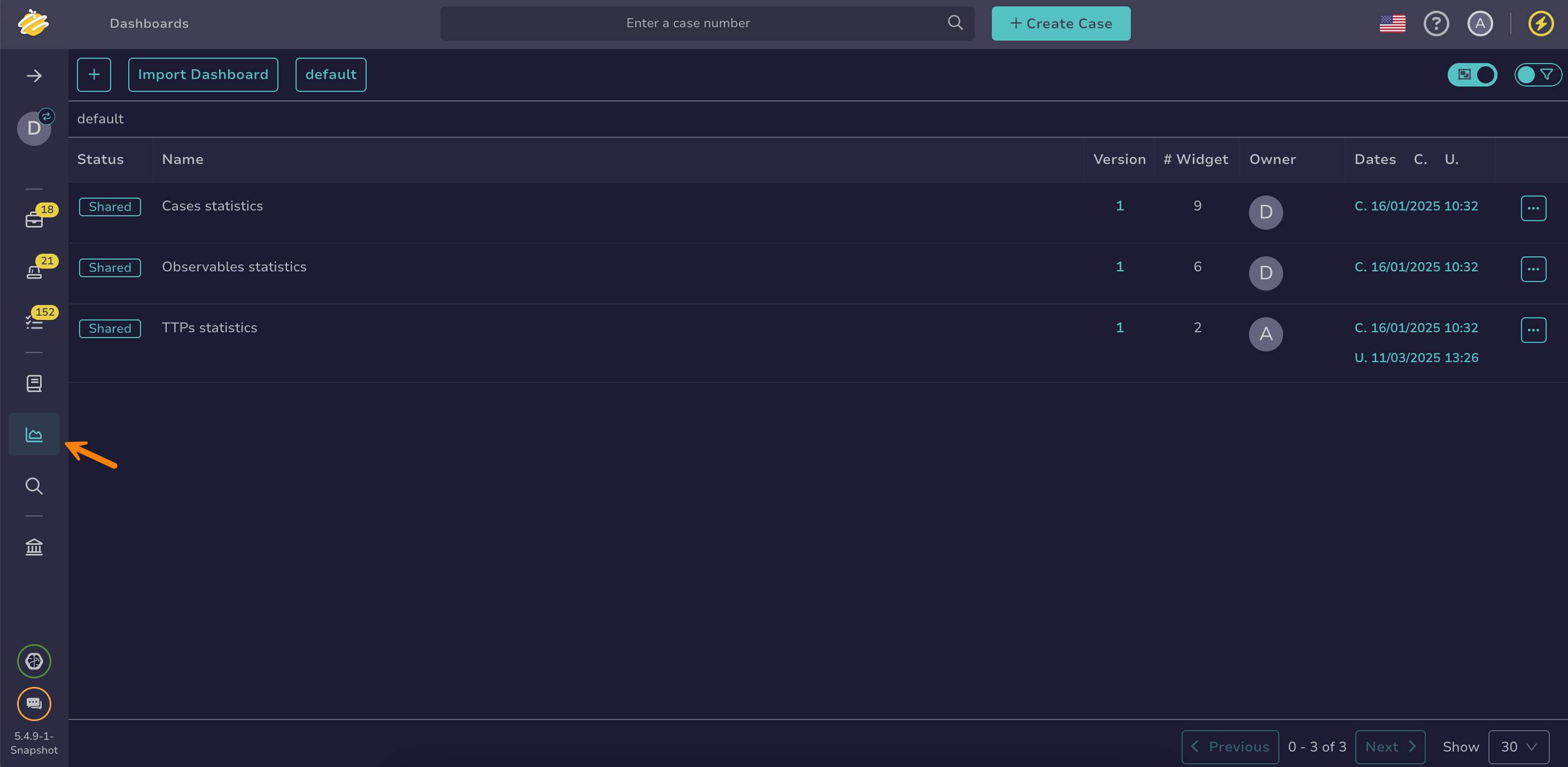
-
On the dashboards list, select the name of your dashboard.
Applying filters and views
Apply filters and sorting and save preferences using views.
-
Select the desired frequency from the Refresh dropdown list.
