Tutorial: Automate Extraction of Observables from Emails#
When an email intake connector processes an incoming email, it creates an alert in TheHive with several observables, including the email file itself. However, the email body isn't parsed for observables by default—you need to run the EmlParser analyzer to extract them.
In this tutorial, we're going to set up an automation in TheHive that runs the EmlParser analyzer automatically each time an email intake alert is created.
Prerequisites
This tutorial assumes you've already configured an email intake connector for your TheHive instance.
By the end, you'll have a working configuration that:
- Detects when an observable is created from an email intake connector alert
- Automatically runs the EmlParser analyzer to extract observables from the email body
This eliminates the need to manually run the analyzer for each email alert.
Step 1: Create a notification triggered by email intake alerts#
-
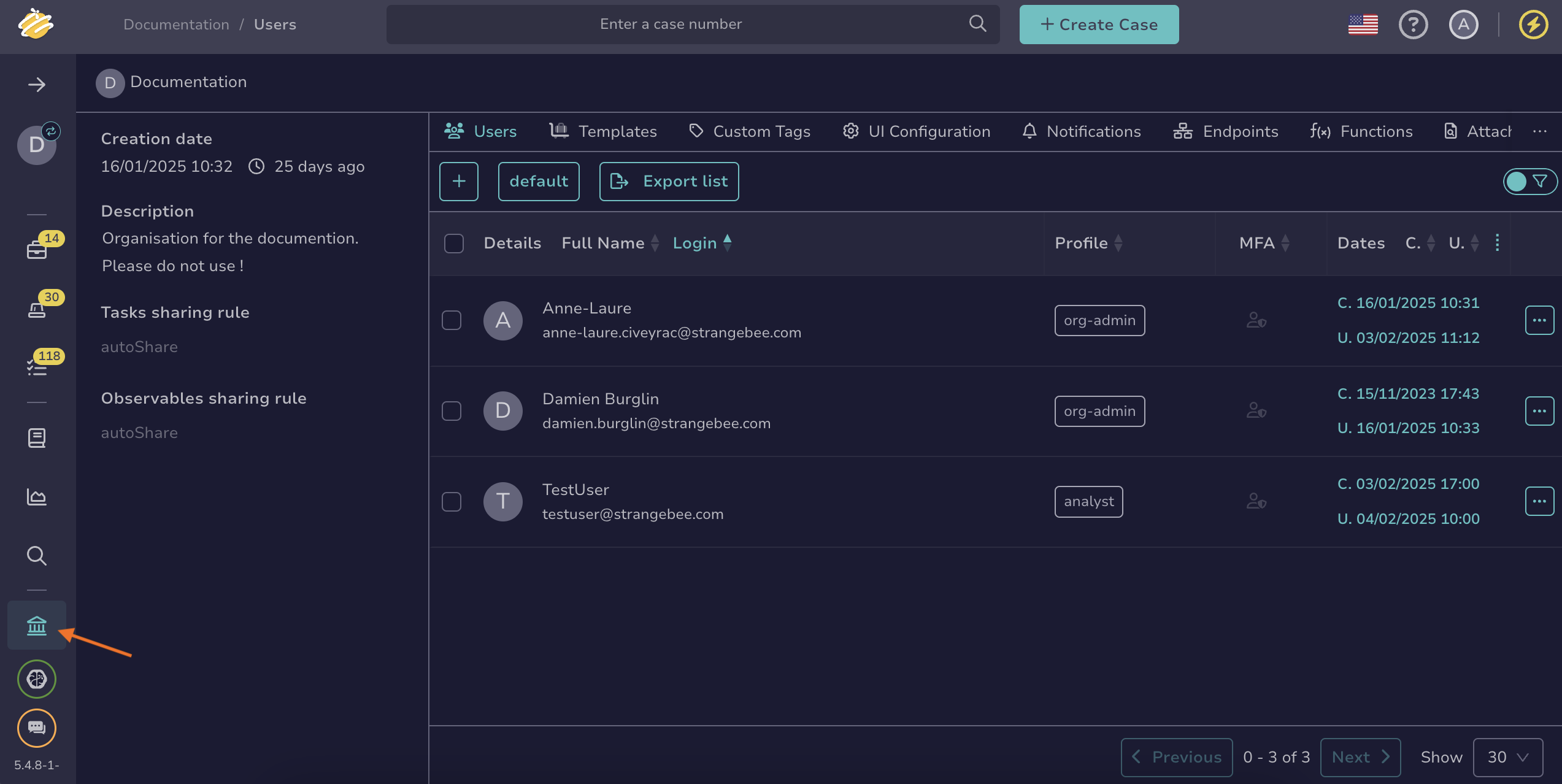
Go to the Organization view from the sidebar menu.
-
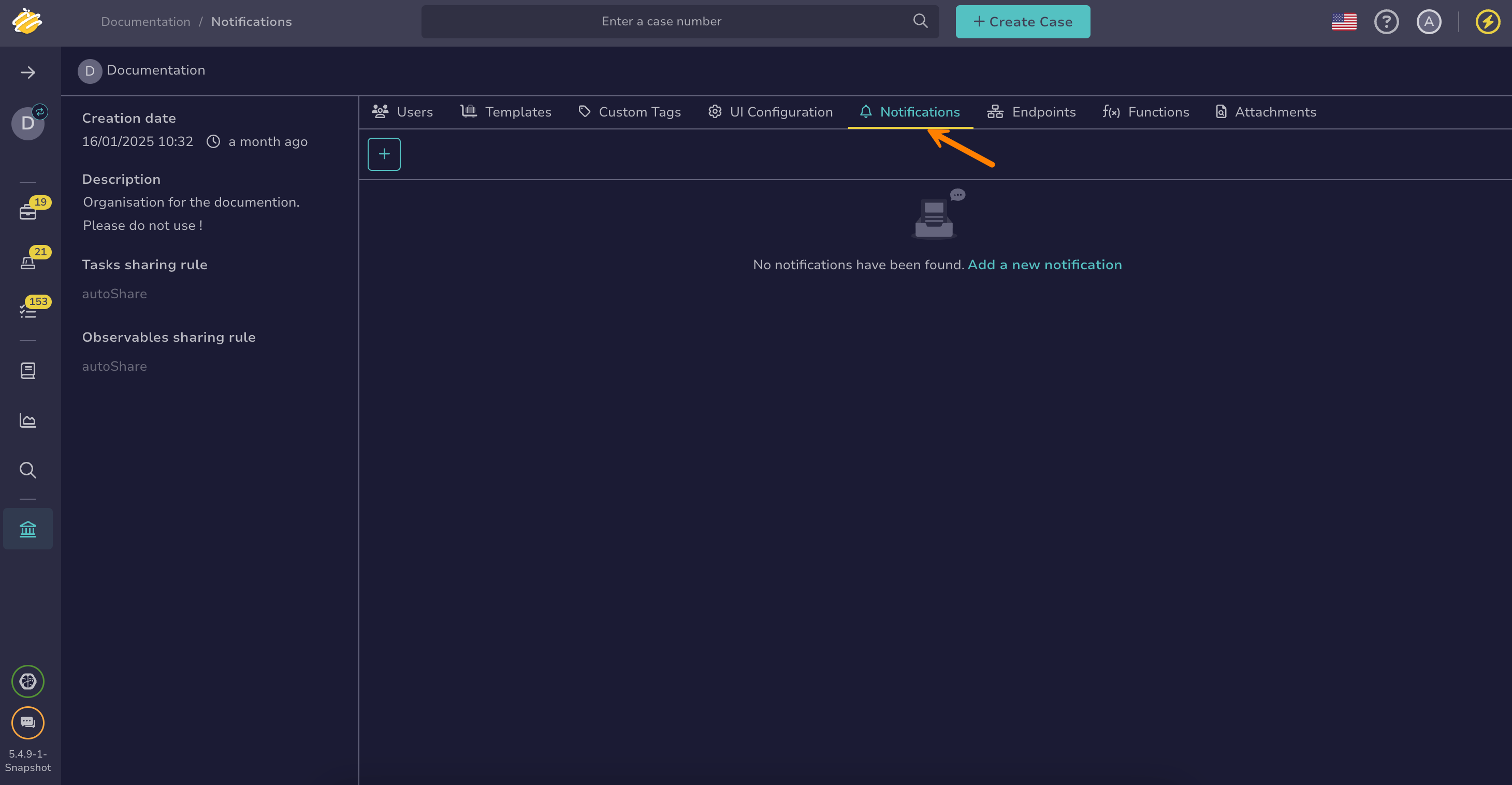
Select the Notifications tab.
-
Select .
-
In the Add notification drawer, enter the name of the notification:
EmailObservableExtractionNotification -
Select the FilteredEvent trigger.
-
Enter the following custom filter to match observable creation events from email intake alerts:
{
    "_and": [
        {
            "_is": {
                "action": "create"
            }
        },
        {
            "_is": {
                "objectType": "Observable"
            }
        },
        {
            "_is": {
                "object.alert.type": "email-intake"
            }
        }
    ]
}
Step 2: Configure a RunAnalyzer notifier#
-
In your current notification, select the RunAnalyzer notifier.
-
In the RunAnalyzer drawer, select EmlParser.
-
Select Confirm.
That's it—every time a new email intake observable is created, TheHive will automatically run the EmlParser analyzer to extract observables from the email content.