Activate or Deactivate a Taxonomy Tag#
Activate or deactivate an individual tag of a taxonomy in TheHive to control which tags analysts can add to cases, alerts, and observables. Tag status applies to the whole instance, so deactivating a tag affects every organization.
Deactivate single tags when only some tags of a taxonomy are relevant to your organizations, for example because the others overlap with your custom tags.
To stop offering a whole taxonomy at once, deactivate the taxonomy instead.
Deactivating a tag doesn't delete it: analysts can no longer add it to cases, alerts, and observables, but those that already carry it keep it.
Taxonomy tags only
Only taxonomy tags can be deactivated. To make a custom tag unavailable, delete it.
Procedure
-
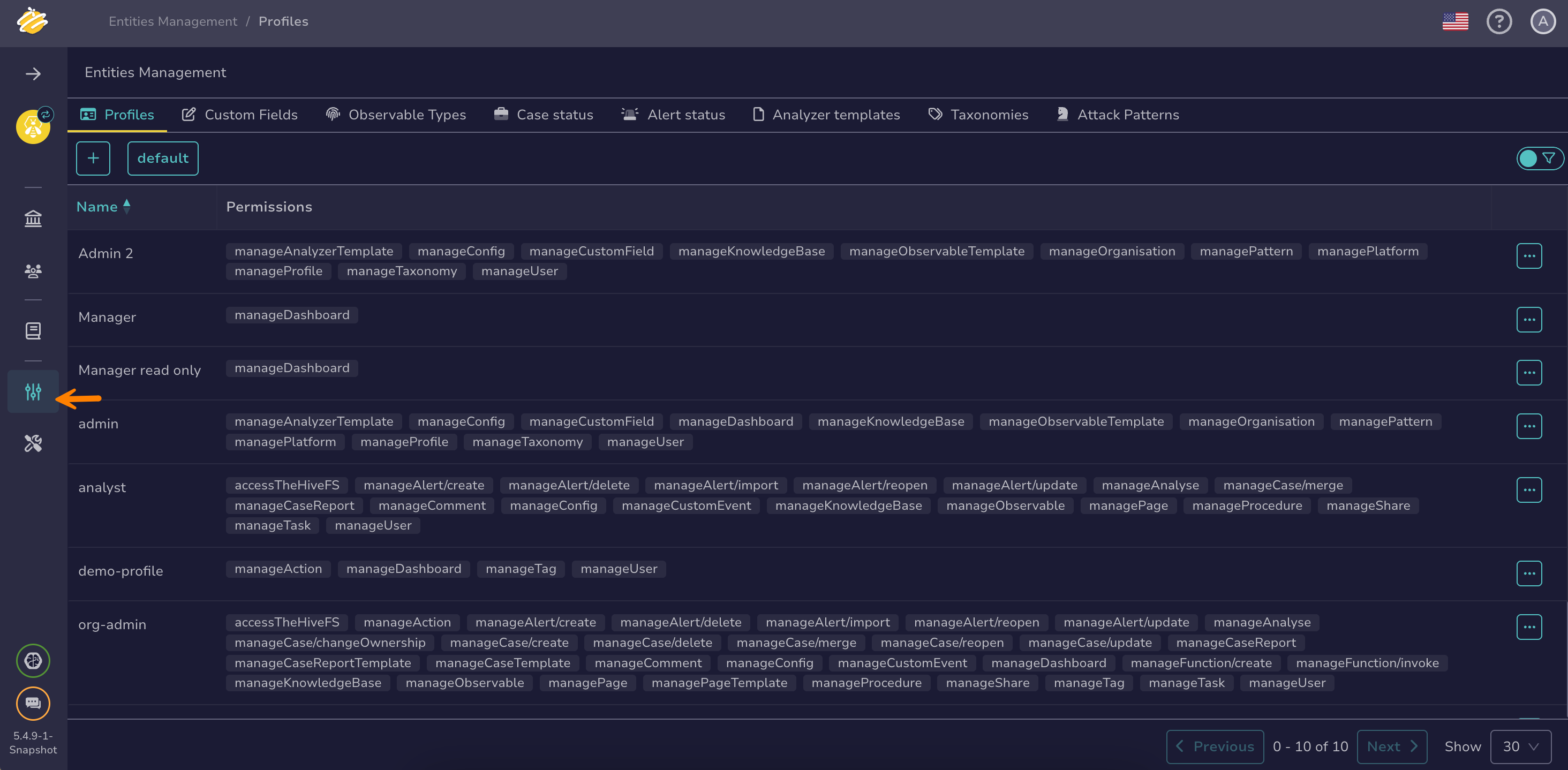
Go to the Entities management view from the sidebar menu.
-
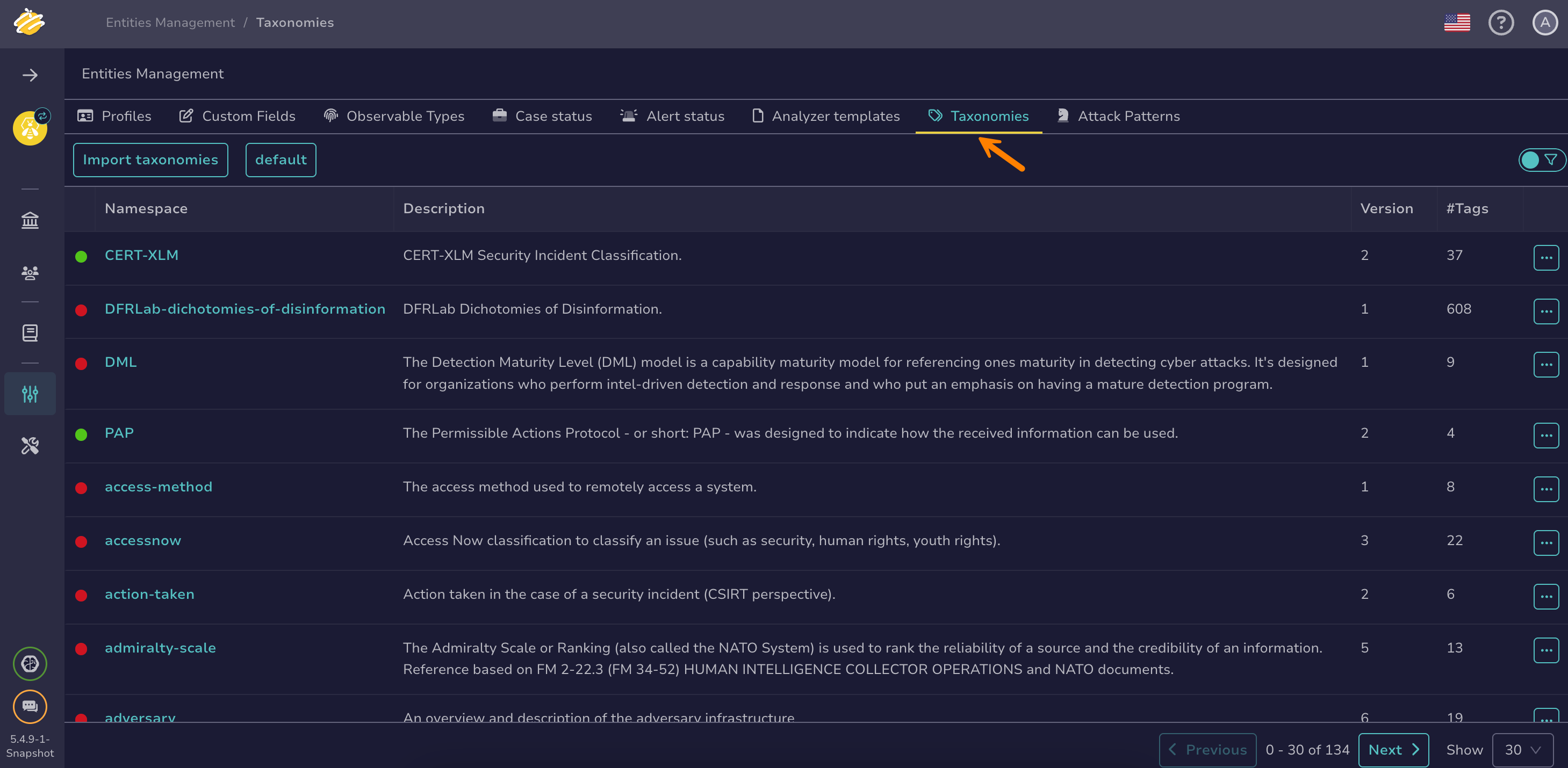
Select the Taxonomies tab.
-
Select the taxonomy that contains the tag.
-
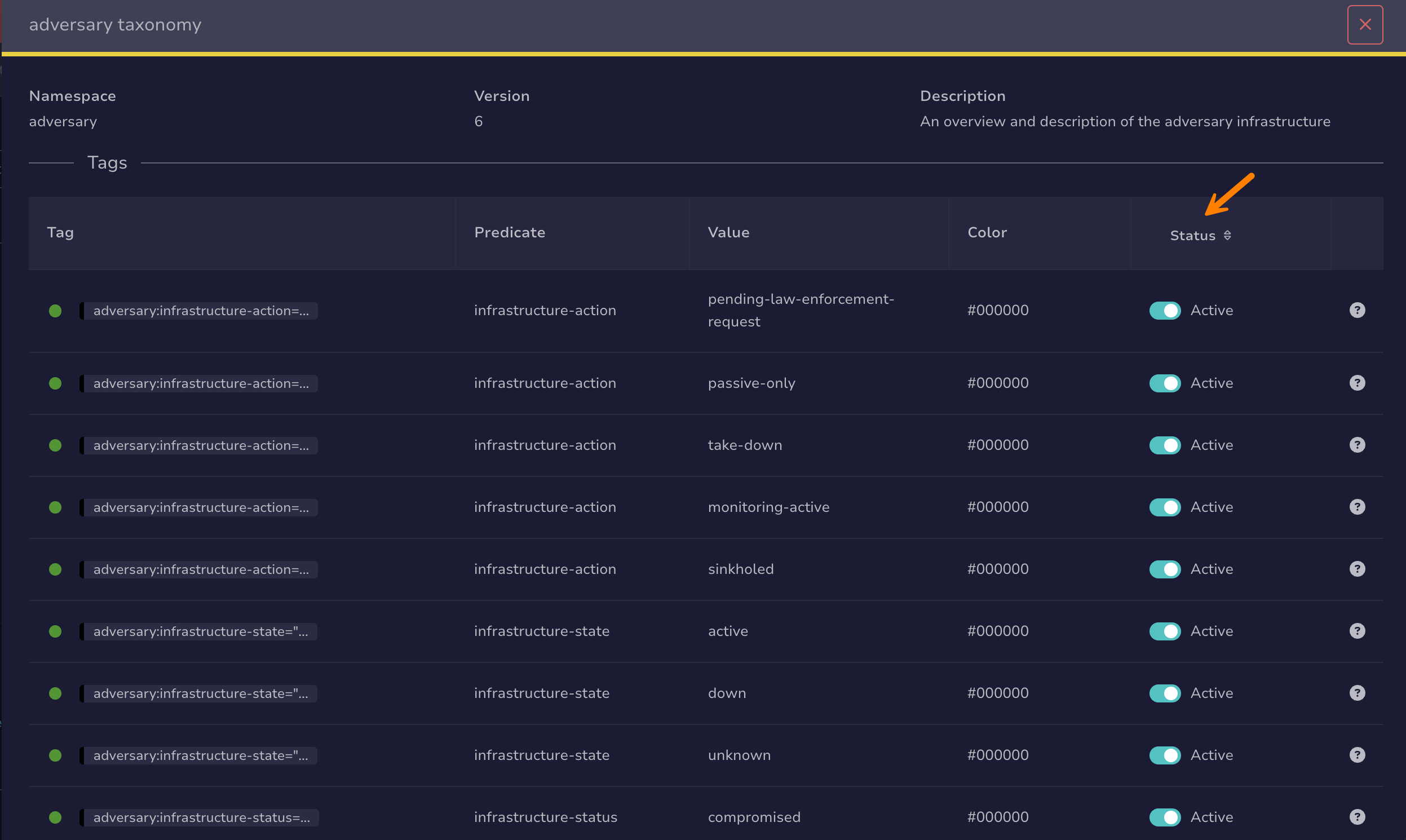
In the Status column, turn the toggle off to deactivate the tag, or on to activate it.