Require an Impact for a Status#
6.0 Gold Platinum One
Require an impact for a case status linked to the Closed stage in TheHive, so analysts must record whether the threat investigated in the case affected the organization when they close a case with this status.
This setting applies to every organization on the platform.
True Positive status
The predefined True Positive status always requires an impact.
Closed case statuses only
The Impact field isn't available for alert statuses, or for case statuses linked to the New or In progress stages.
Task statuses
This page doesn't cover task statuses, which are hard-coded in TheHive. They can't be modified, deleted, or extended.
Procedure
-
Go to the Entities management view from the sidebar menu.
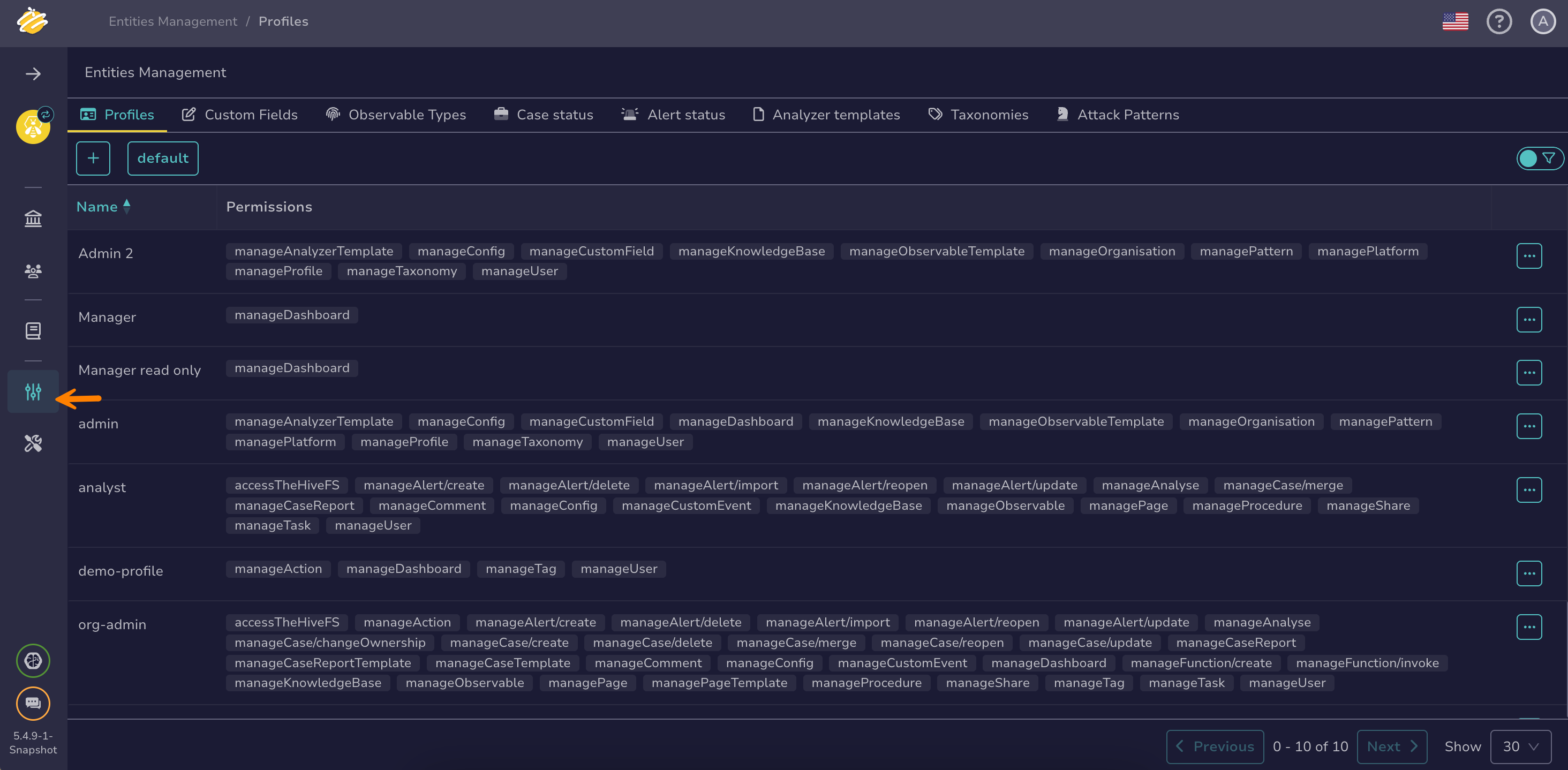
-
Select the Case status tab.
-
Select next to the status you want to edit. The status must be linked to the Closed stage.
-
Select Edit.
-
In the Edit a custom status drawer, next to Impact, select one of the following options:
- Yes: Analysts must state whether the case had an actual impact when they close a case with this status. They can't close the case until they select Yes or No in the Impact field.
- No: The Impact field doesn't appear when closing a case with this status.
Cases that are already closed
Changing this setting doesn't affect cases that are already closed. It applies to the next closures.
-
Select Confirm custom status update.