Manage LLM Providers#
6.0 One
LLM providers connect TheHive to large language models (LLMs), for use in TheHive Flow. Each provider is an OpenAI-compatible API, such as OpenAI, Anthropic, or a local LLM. Once a provider is added, users building workflows can select it, along with one of its models, in an AI action node.
Add an LLM provider#
-
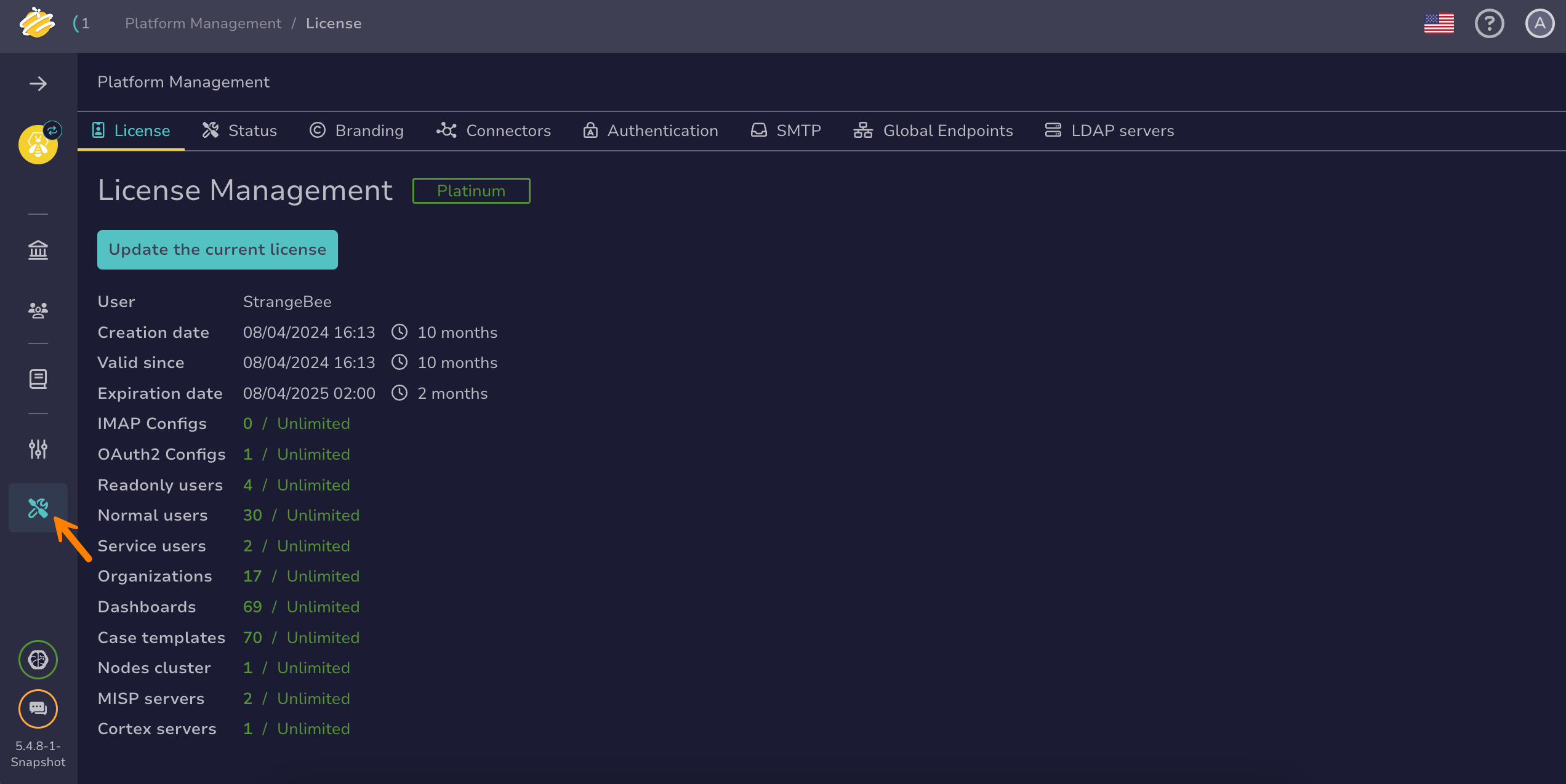
Go to the Platform management view from the sidebar menu.
-
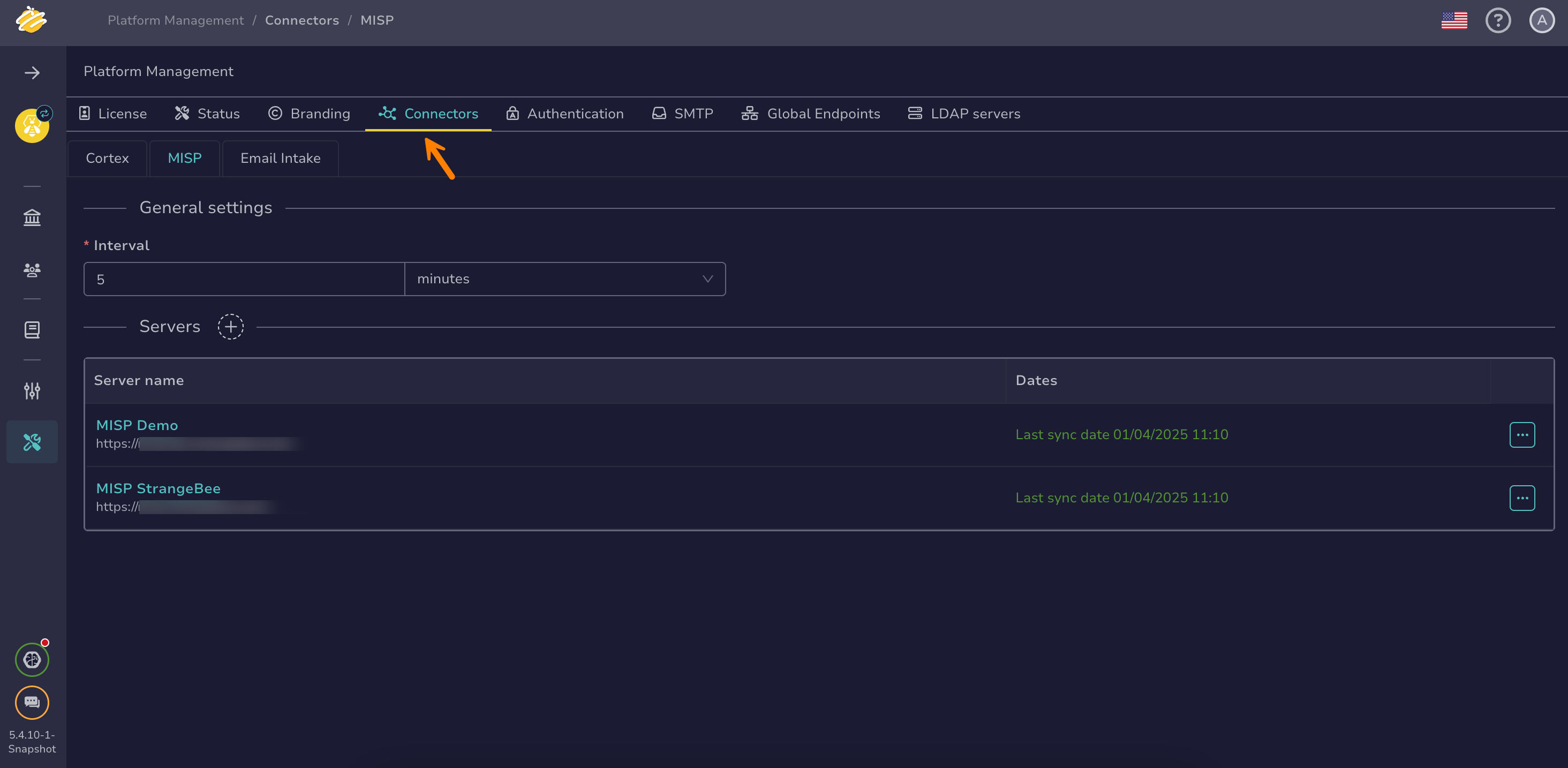
Select the Connectors tab.
-
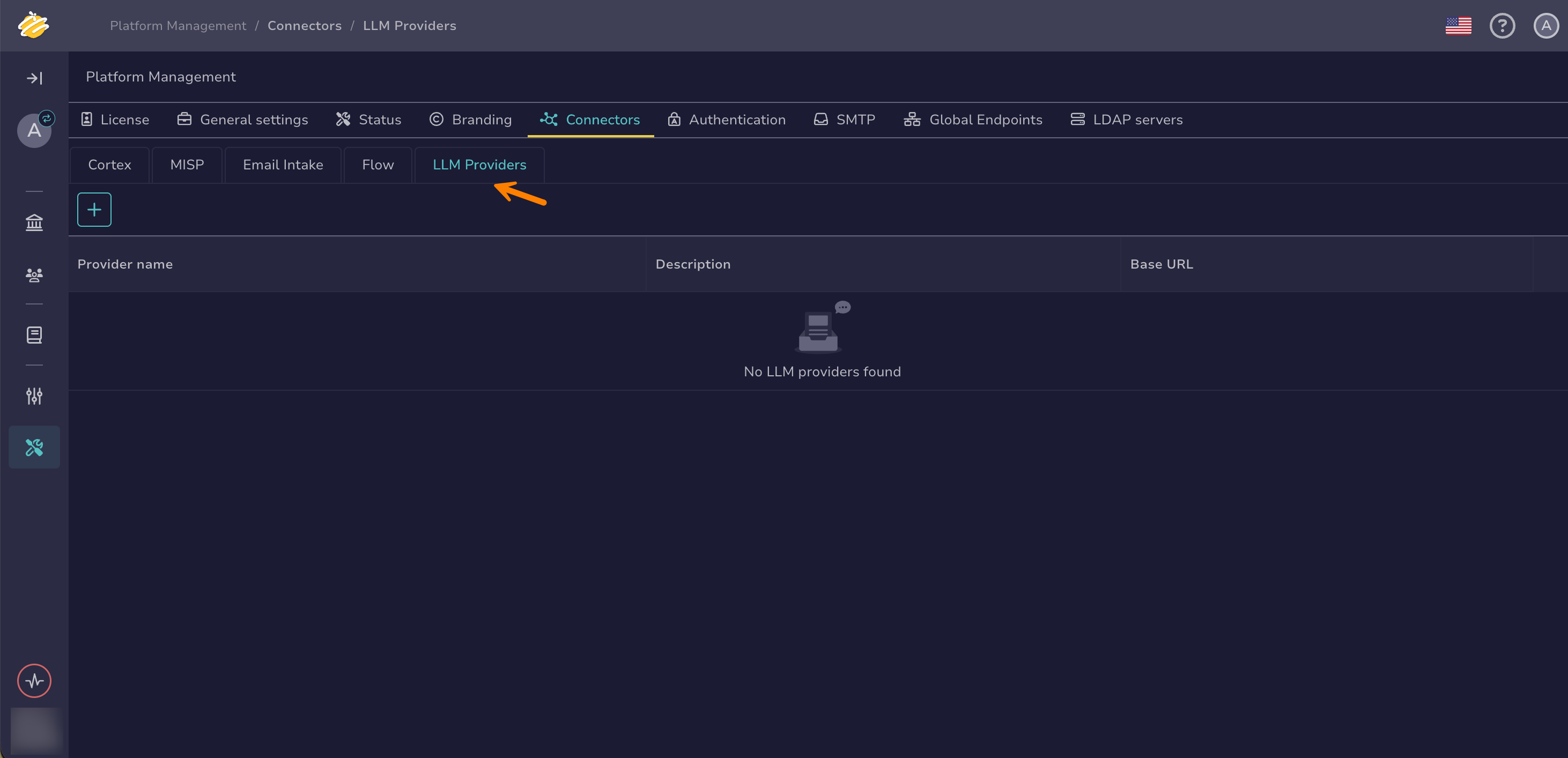
Select the LLM Providers tab.
-
Select .
-
In the Add a LLM provider drawer, enter the following information:
Fields marked with * are mandatory.
- Provider name *
The name of the LLM provider, for example
OpenAI.- Description *
A description of the LLM provider.
- Base URL *
The base URL of the provider's OpenAI-compatible API.
Example:
https://api.openai.com/v1- API key
The API key used to authenticate requests to the provider. Leave it empty for providers that don't require authentication, such as a local LLM.
-
Select Save.
The provider is now available for selection in the AI action nodes of workflows.
Edit an LLM provider#
-
In the LLM Providers tab, select next to the provider you want to edit.
-
In the Edit LLM provider drawer, update the fields.
The configured API key stays hidden. To replace it, enter a new API key. Leave the field untouched to keep the configured key.
-
Select Save.
Delete an LLM provider#
Permanent action
Deleting an LLM provider is permanent and can't be undone. It breaks any workflows using the provider.
-
In the LLM Providers tab, select next to the provider you want to delete.
-
In the Delete provider dialog, enter
DELETEto confirm. -
Select Delete.