Activate or Deactivate a Taxonomy#
Activate or deactivate a taxonomy in TheHive to control which catalogs of structured tags are available for use. Taxonomy status applies to the whole instance, so deactivating a taxonomy affects every organization.
5.8 To keep a taxonomy active but rule out only some of its tags, deactivate those tags individually instead.
Manual activation required
By default, MISP taxonomies aren't activated. You must activate them manually.
Procedure
-
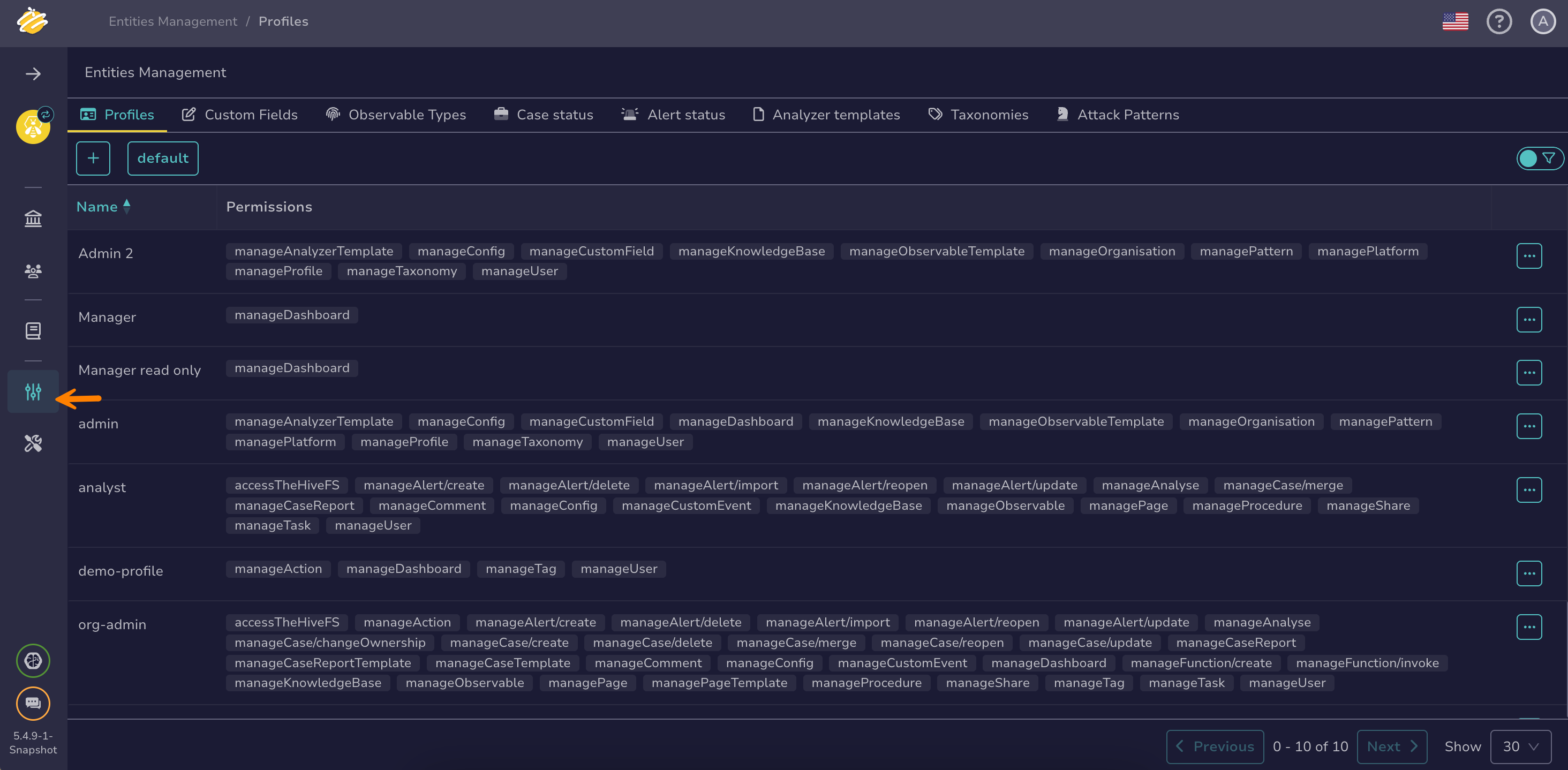
Go to the Entities management view from the sidebar menu.
-
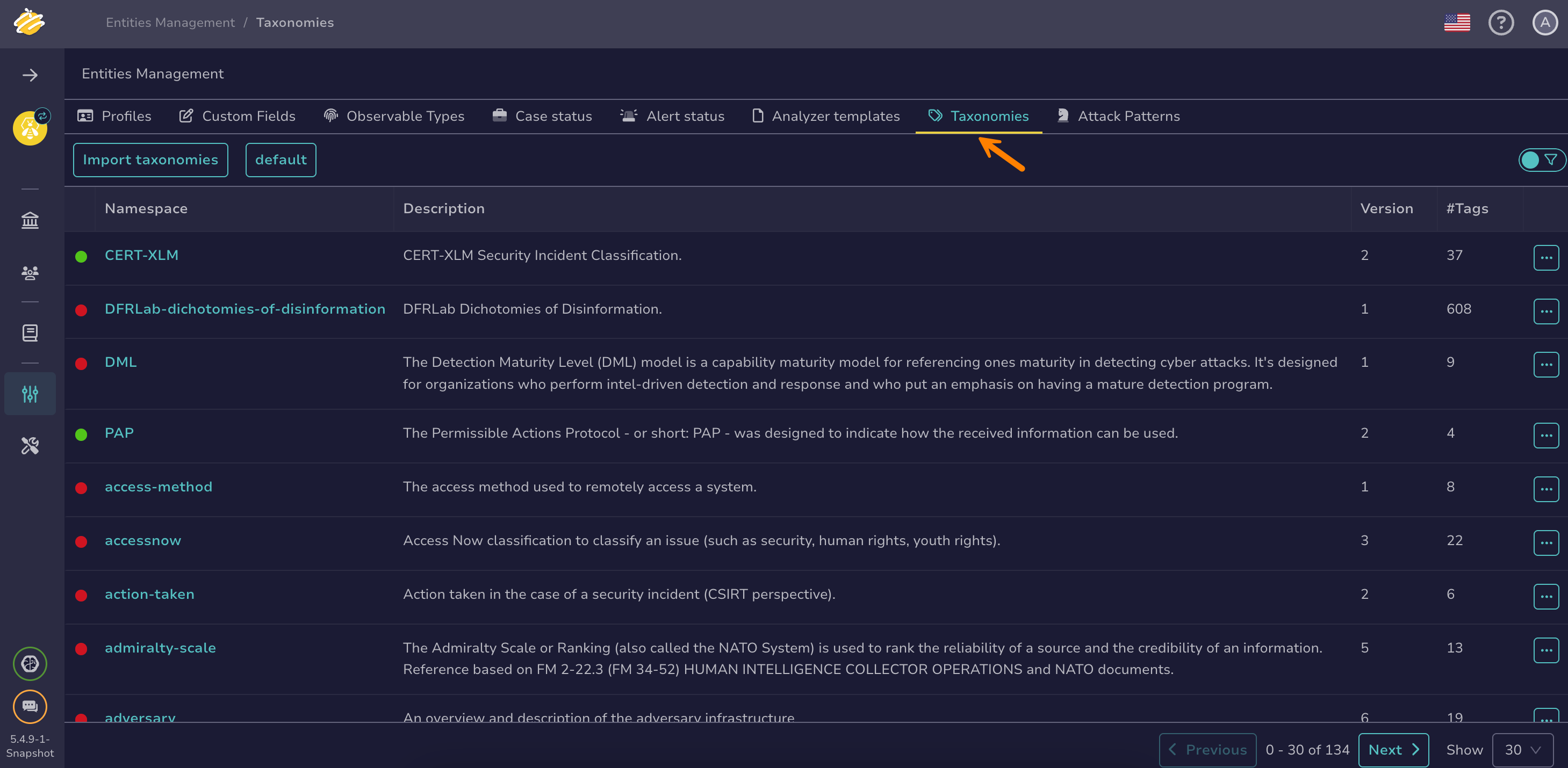
Select the Taxonomies tab.
-
Select next to the taxonomy you want to activate or deactivate.
-
Select Activate or Deactivate, depending on the action you want to take.