Configure SLA Notifications#
5.8 Platinum One
Notify users when a service level agreement (SLA) rule's warning threshold is reached or its deadline is exceeded. SLA notifications use TheHive standard notification system.
Procedure
-
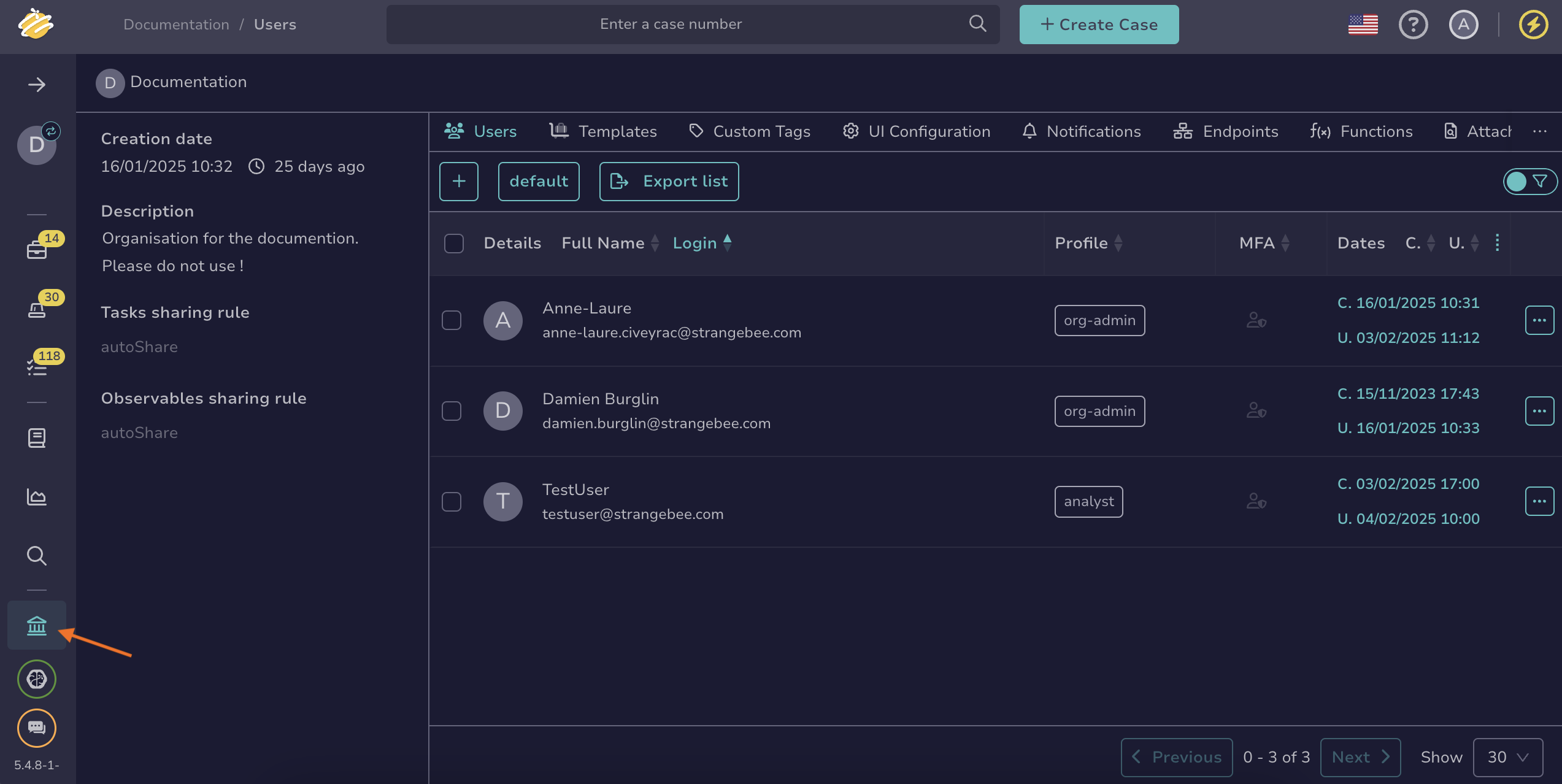
Go to the Organization view from the sidebar menu.
-
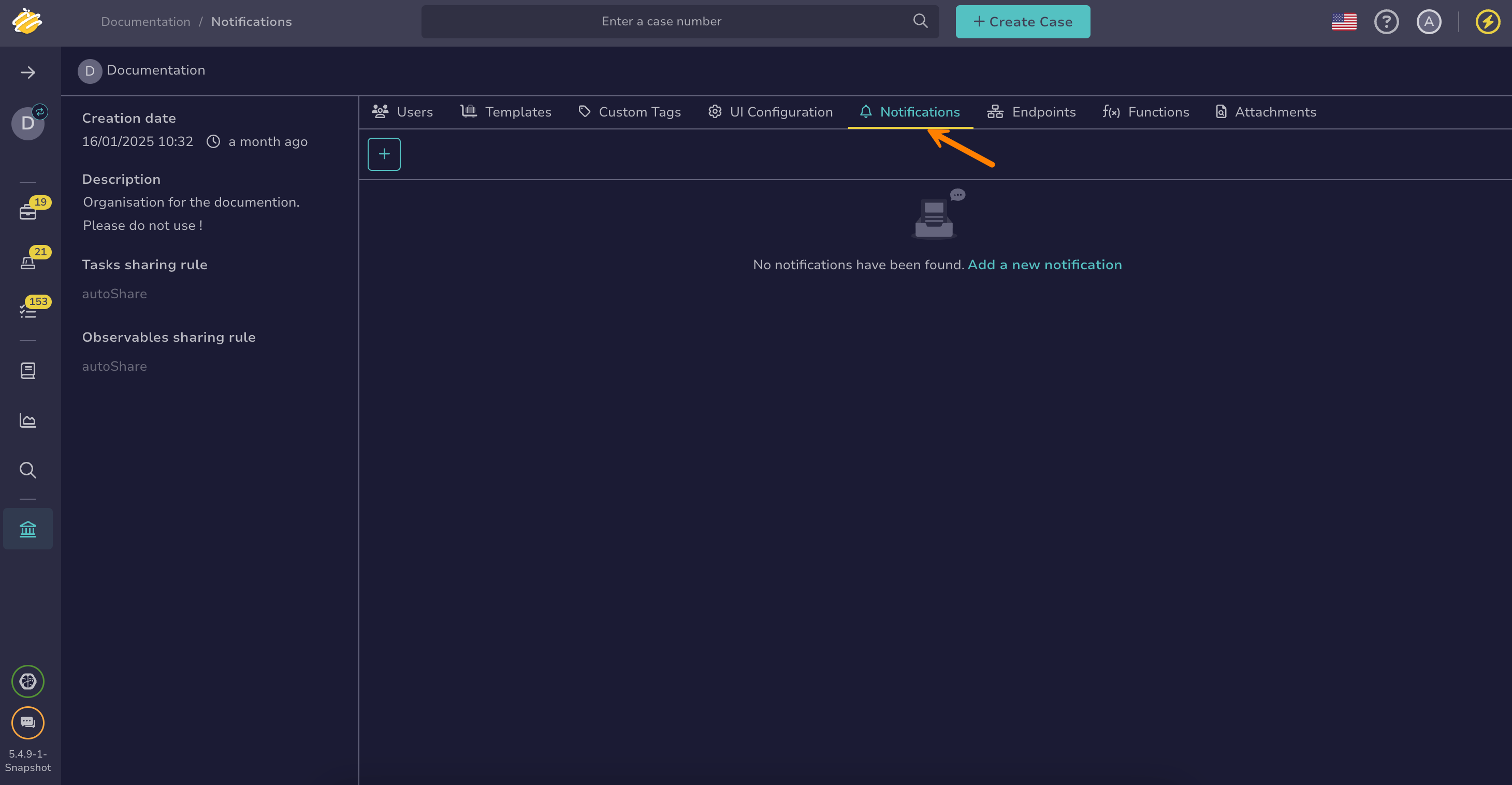
Select the Notifications tab.
-
Select .
-
In the Add notification drawer, enter the name of your notification.
Unique name
This name must be unique, as two notifications can't have the same name.
-
Optional: Turn on the Send notification to every user in the organization toggle to be able to send an email to all users in the organization.
Available trigger
If enabled, the AnyEvent trigger is no longer available, and only the EmailerToUser notifier is selectable.
-
Select one of the available SLA triggers:
Entity Warning threshold reached Deadline exceeded Alert AlertSlaAtRisk AlertSlaOverdue Case CaseSlaAtRisk CaseSlaOverdue Task TaskSlaAtRisk TaskSlaOverdue Each SLA rule that matches an entity triggers these events independently. If two SLA rules cover the same entity, each rule can fire its own notification.
-
Turn on the Enable notification toggle to activate the notification.
-
Select one or more notifiers.
-
Enter the required information for each selected notifier, following its specific configuration instructions:
- EmailerToUser
- EmailerToAddr
- HttpRequest
- Mattermost
- Slack
- Teams
- Webhook
- Kafka
- Redis
- RunAnalyzer
- RunResponder
- Function
Slack notifier template example
An SLA deadline has been exceeded.

See details below:

Title: {{object.title}}

Direct link: {{url}}
-
Select Confirm.