Perform TheHive Flow Initial Setup as an Admin#
6.0 One
After deploying TheHive Flow, complete the setup in TheHive as an administrator by granting users access to the Flow view. Users with the predefined Org-Admin or Analyst profile have access automatically. For all other users, grant the permissions through a custom profile.
Requirement
This procedure assumes that TheHive Flow is deployed and running.
Six permissions, grouped under Manage Flow in the profile editor, control access to TheHive Flow.
| Permission | Grants |
|---|---|
| Read Flow workflows | Displaying the Flow view and the workflow pages |
| Write Flow workflows | Creating, editing, and running workflows |
| Delete Flow workflows | Deleting workflows |
| Read Flow variables | Displaying the global variables page |
| Write Flow variables | Creating and editing global variables |
| Delete Flow variables | Deleting global variables |
The permissions are independent: a write or delete permission doesn't include the matching read permission. Grant the matching read permission alongside write or delete, because a user with Write Flow workflows alone can't display the workflow pages or run a workflow.
Predefined profiles
The predefined Org-Admin and Analyst profiles include all six permissions. The other predefined profiles include none of them. To grant access to users with another profile, create or edit a custom profile.
Procedure
-
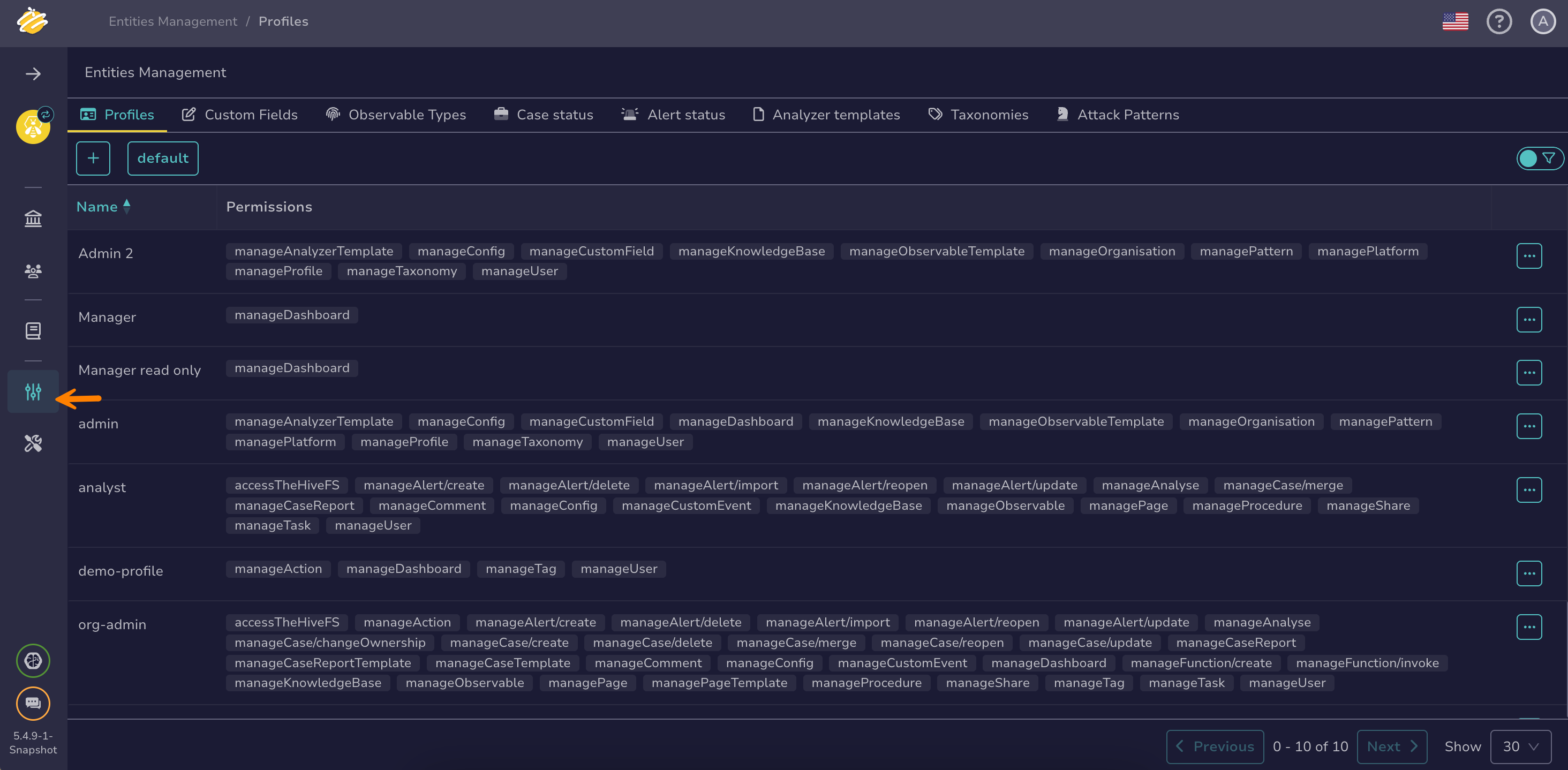
Go to the Entities management view from the sidebar menu.
-
In the Profiles tab, select next to the profile you want to update.
-
Select Edit.
-
In the Editing a profile drawer, select the relevant permissions in the Manage Flow group.
-
Select Confirm profile edition.