Detail View vs. Preview#
TheHive offers two ways to view information about cases, alerts, tasks, observables, TTPs, user accounts, and organizations: detail views provide complete information and all available actions, while previews offer quick summaries without leaving your current view.
What's the difference#
A detail view appears when you select an item. It opens a full page showing all available information and actions.
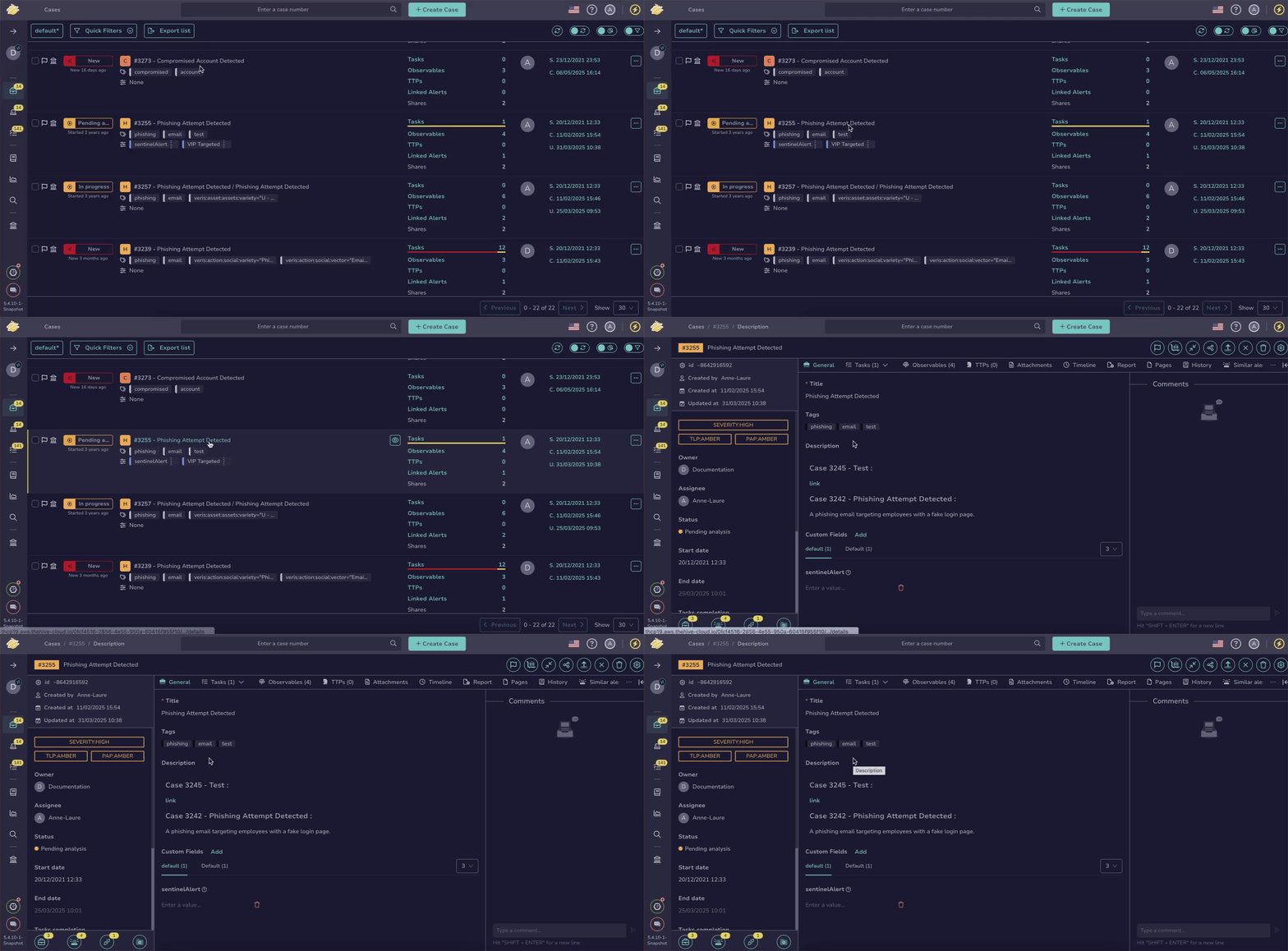
A preview appears when you hover over an item and select the button. It opens a drawer with a summary—without leaving your current view. If needed, you can access the full detail view directly from the preview.
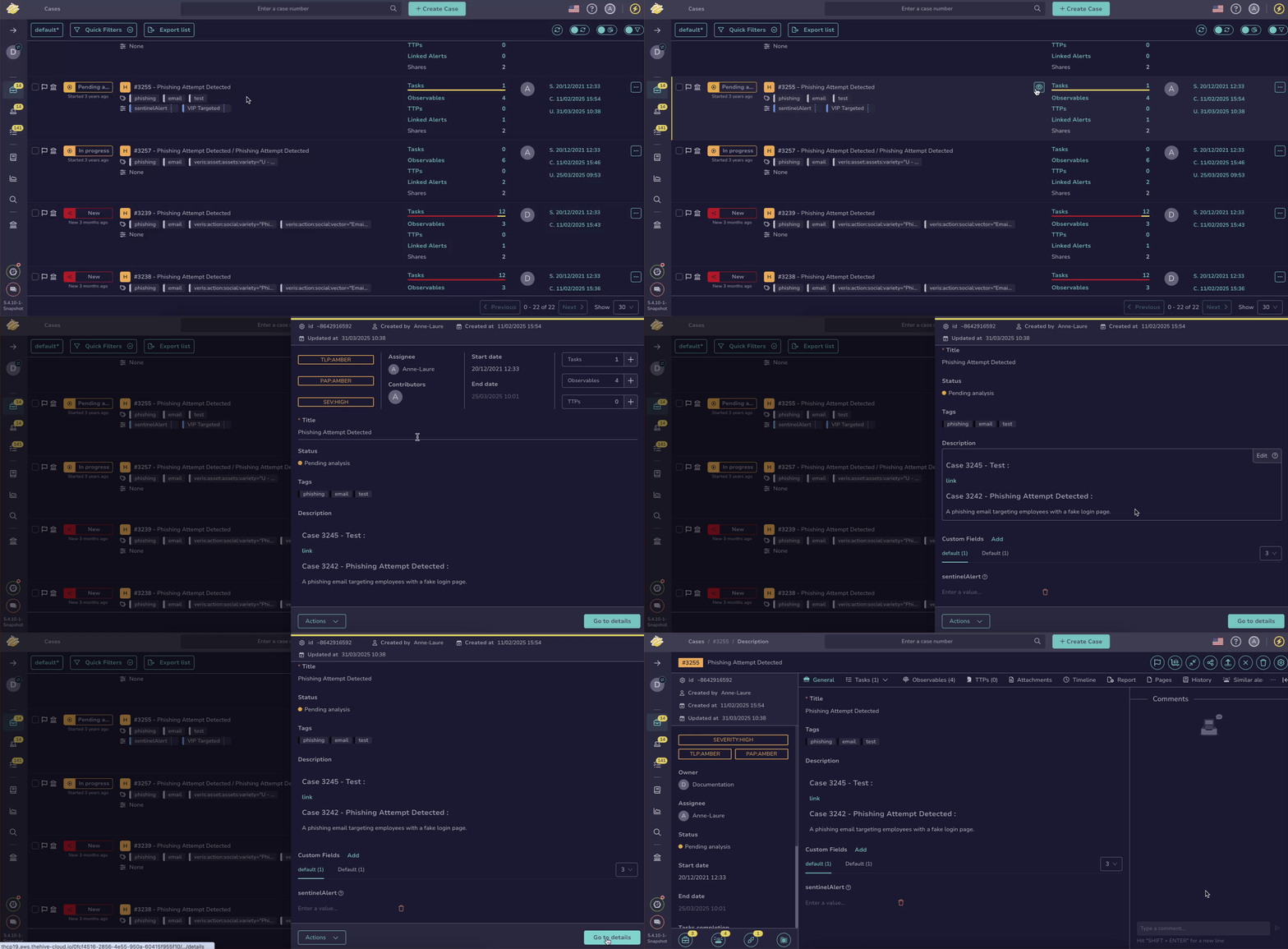
Choosing between detail view and preview#
| Feature | Detail View | Preview |
|---|---|---|
| View and edit description | ✅ | ✅ |
| View items (tasks, observables, or TTPs) | ✅ | ❌ |
| Add items (tasks, observables, or TTPs) | ✅ | ✅ |
| View advanced information | ✅ | ❌ |
| Launch basic actions | ✅ | ✅ |
| Launch advanced actions | ✅ | ❌ |