Manually Run a Function on a Case or an Alert and Review Results#
5.4 Platinum One
Manually run a function on a case or an alert in TheHive.
Only functions with the Action: Case or Action: Alert type matching the object are available.
Run a function on a case or an alert#
-
Locate the case or alert on which you want to run the function.
-
In the case or alert, select .
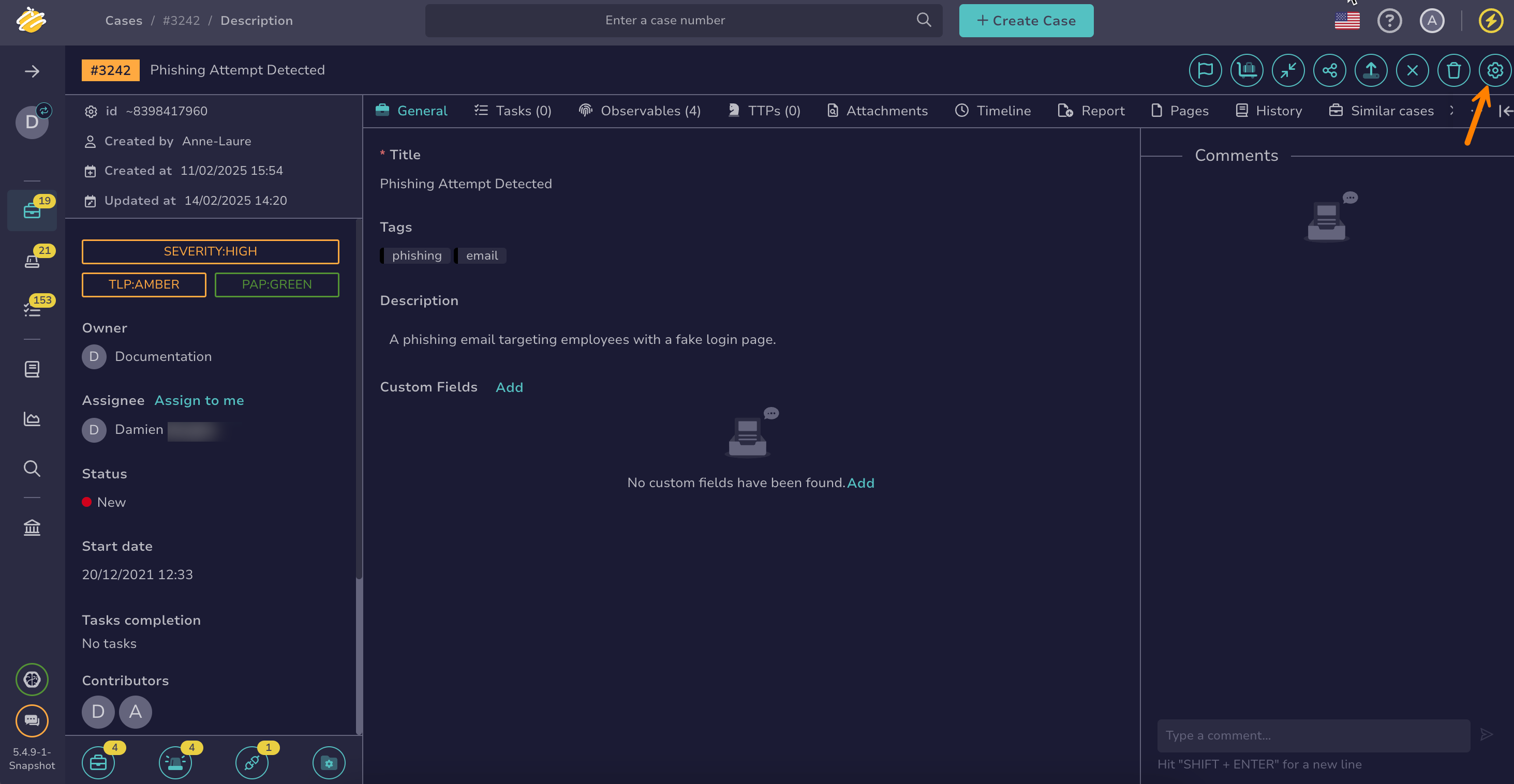
-
In the drawer, select the Functions tab.
6.0 You can also run functions from the Automation Center: go to the Automations tab of the case or alert, select the Functions tab, then select Run Functions.
-
Select one or more functions to run.
-
Select Launch actions.
Review function execution results#
-
Open the case or alert on which you ran functions.
-
Go to the Automations tab.
-
Select the Functions tab to check the status of the executed functions.
The tab lists the functions run on the case or alert, including the ones run by a notification. Dry-run executions aren't listed.
The list has the following columns:
- Status: Whether the function succeeded or failed
- Name: The function that ran
- Triggered by: Who ran the function. Functions run by a notification show the TheHive system user.
- Start date: When the function started