Export or Import a Workflow#
6.0 One
Workflows in TheHive Flow exist at the organization level. You can transfer workflows between different TheHive instances or organizations by exporting and importing them. Importing is also how you bring a ready-made workflow template into your organization.
TheHive Flow has no native versioning. To maintain a change history, the recommended strategy is to export workflows and commit them to a Git repository.
Export a workflow#
Share a workflow with another organization or TheHive instance.
-
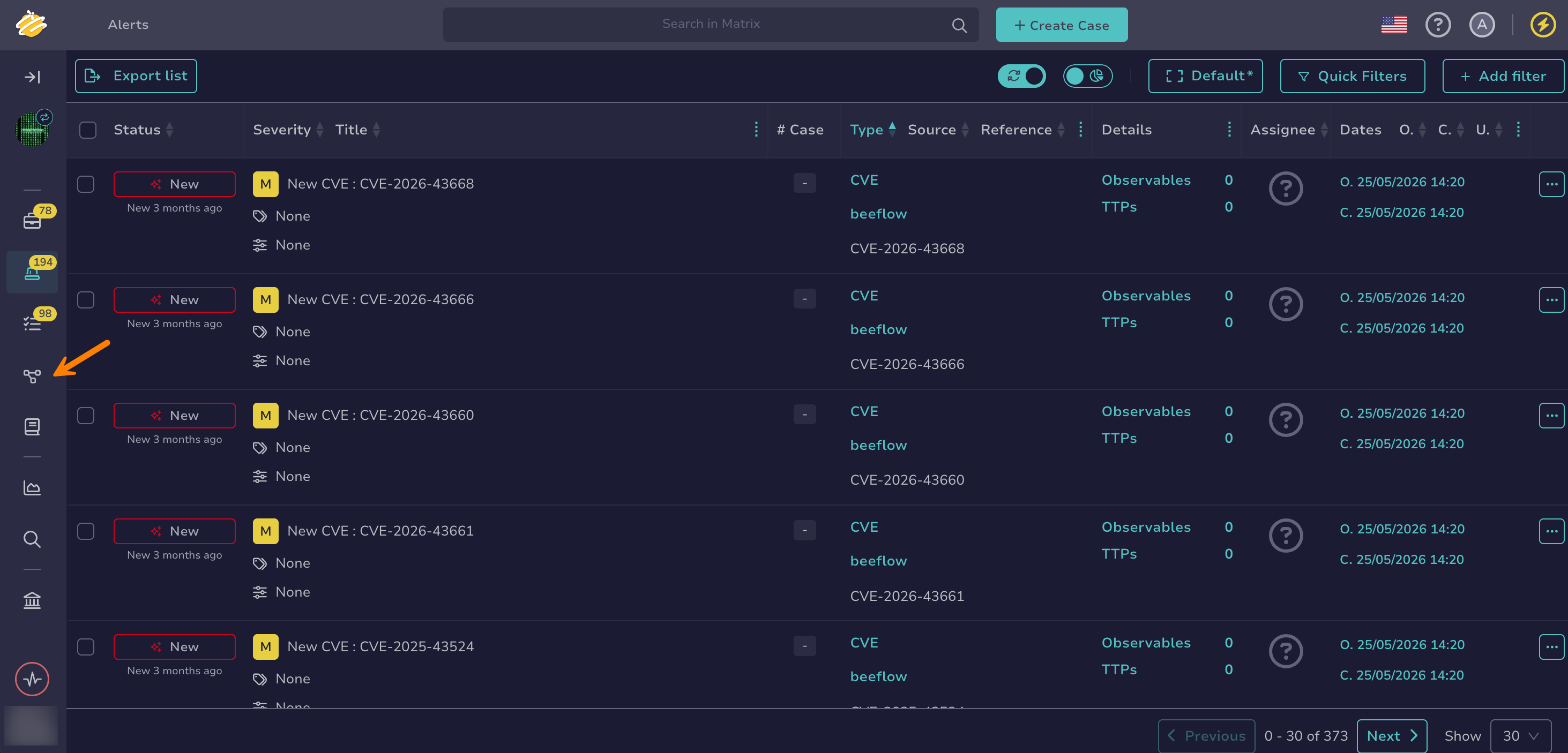
Go to the Flow view from the sidebar menu.
-
In the workflow list, select next to the workflow you want to export.
-
Select Export.
Your workflow downloads as a YAML file. The file contains the workflow nodes, variables, and settings. It doesn't contain the Webhook and Scheduler triggers of the workflow.
Import a workflow#
Use a workflow from another organization or TheHive instance, or a ready-made workflow template.
-
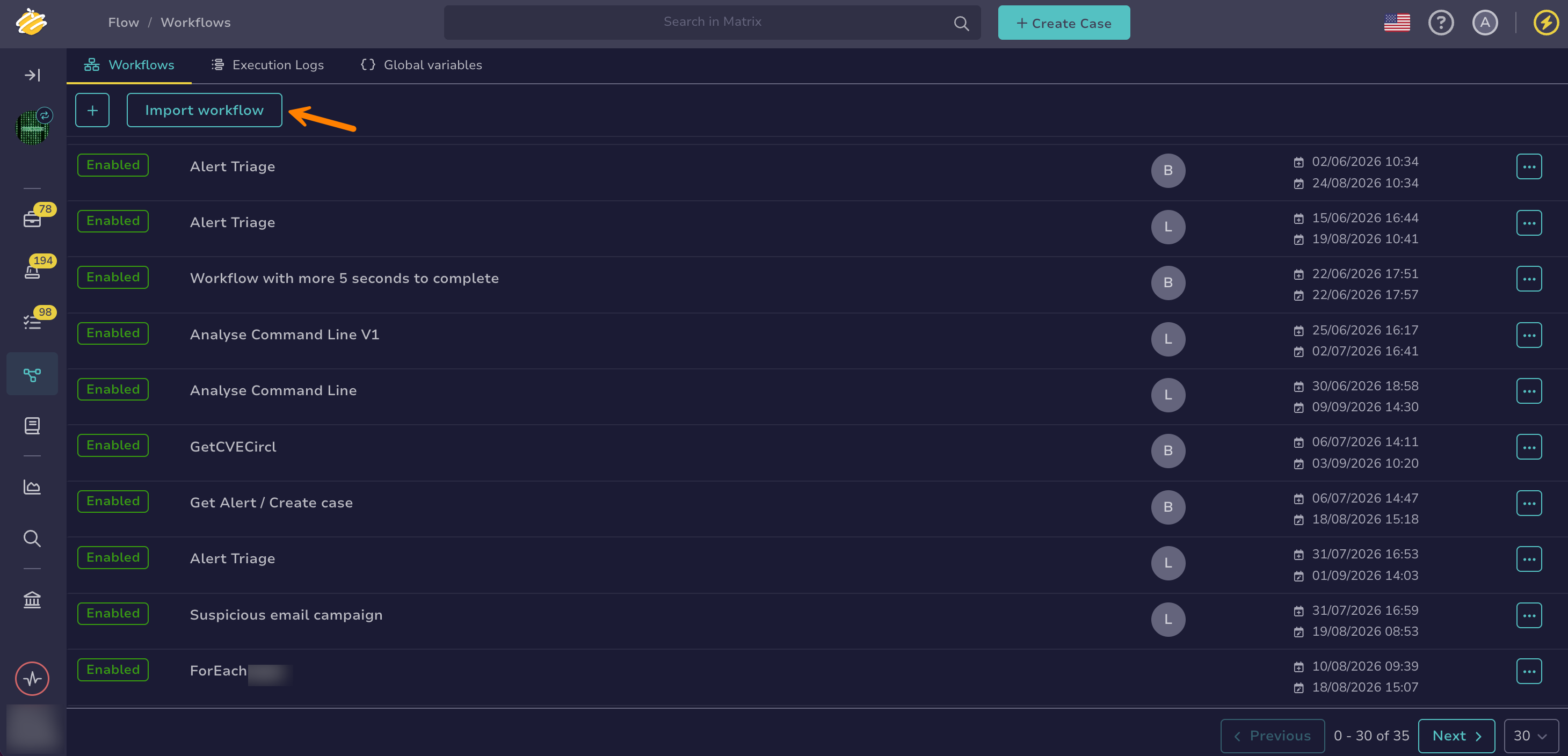
Go to the Flow view from the sidebar menu.
-
Select Import workflow.
-
In the Import workflow drawer, drop a YAML file or select it from your computer. Use the file you obtained from exporting a workflow, or the file you saved from a workflow template.
-
Optional: In the Name field, enter a new name for the imported workflow.
-
Select Import.
The imported workflow starts turned off and has no Webhook or Scheduler trigger. Review it, add the triggers it needs, then enable it.
Workflows with a Subworkflow node
A Subworkflow node refers to the workflow it calls by its identifier, which differs in each organization. After importing a workflow that contains one, import the called workflow too if needed, then select it again in each Subworkflow node.